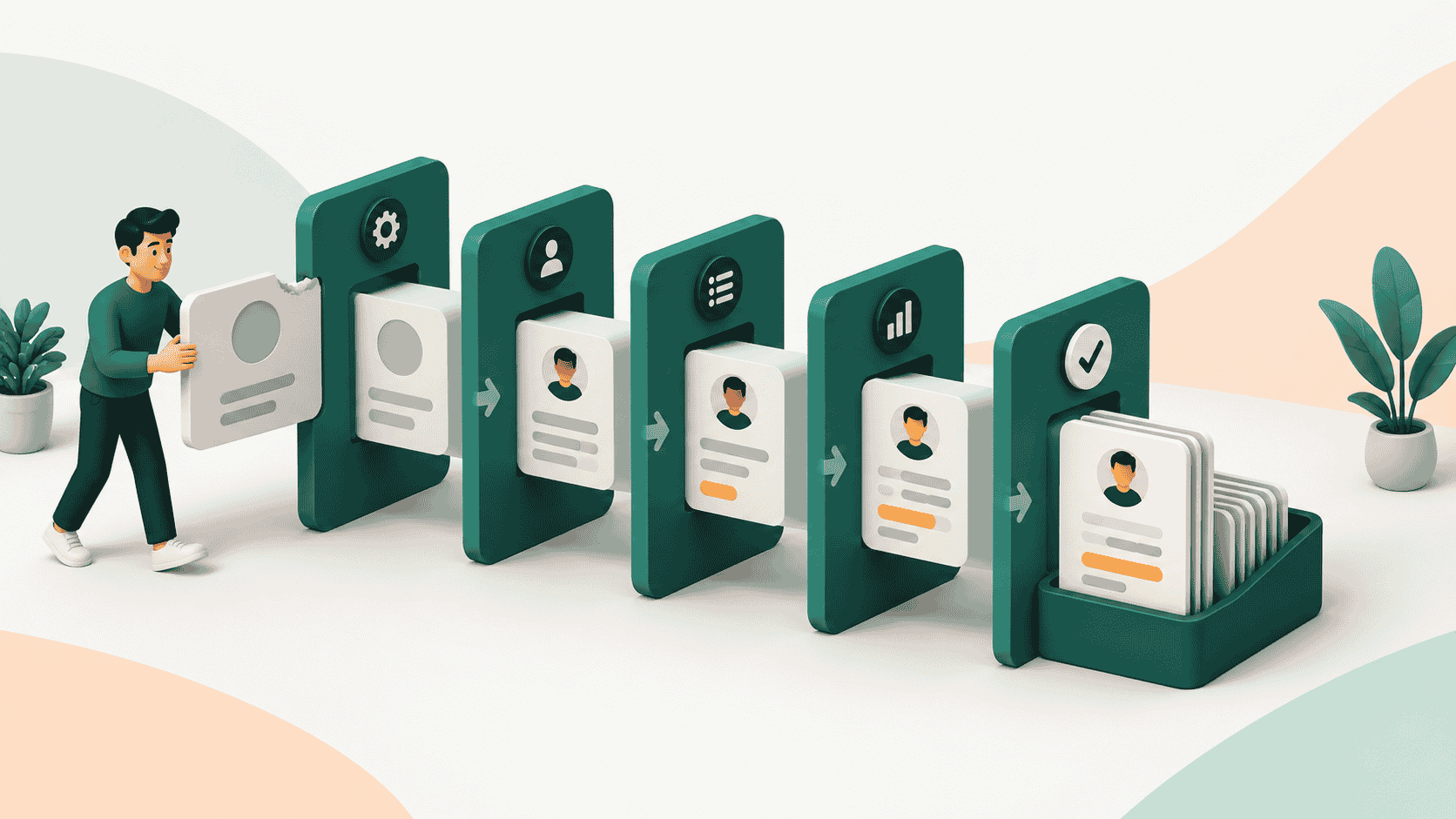
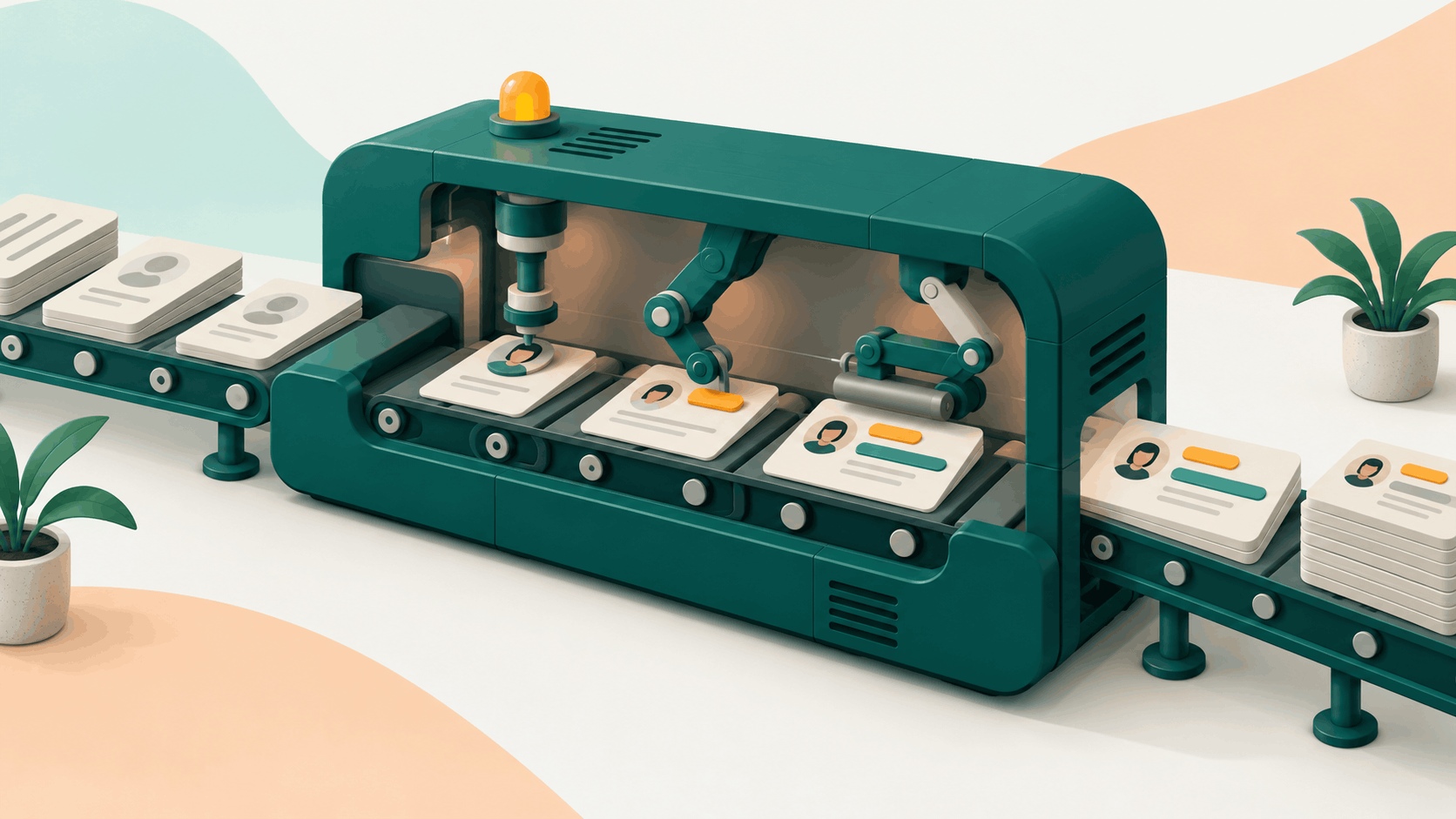
CRM automation is the use of software to handle repetitive CRM work for your team: data entry, lead routing, follow-ups, stage updates and reporting. It comes in three levels: rules a person configures, AI that suggests changes for approval, and systems that keep the record current on their own. Most teams run a mix.
So what is CRM automation in practice, and which level does your team need? This guide defines it in plain terms and compares the three levels side by side. It also shows examples by team and gives an honest account of the benefits, the risks and where the category is heading.
Key Takeaways
- CRM automation means software, not people, carries out repetitive CRM tasks. It runs on rules you configure, AI that suggests, or systems that update the record themselves.
- The average seller spends 40% of their time selling and automation targets the work that crowds out the rest.
- Automation multiplies whatever data it touches. 76% of CRM users said less than half of their CRM data is accurate and complete.
- Autonomy is not exclusive to one vendor, and it is not risk-free. Start with a human approving each change, then widen the scope as accuracy proves out.
What Is CRM Automation?
CRM automation is the use of software to carry out customer relationship management work that a person would otherwise do by hand. That covers capturing and enriching contact data, routing new leads, sending follow-ups, creating tasks, moving deals between stages and building reports.
The CRM does the admin so people can do the selling. An automated CRM isn't a different product category so much as a CRM with more of its upkeep handled by the system.
The case for it starts with time. Salesforce's State of Sales report surveyed 4,050 sales professionals in August and September 2025. It found that the average seller spends 40% of their time selling. Every task automation takes off a rep's list is time that can move back into that 40%.
It also helps with a problem reps have never liked. People skip CRM updates because the work gives them nothing back, a pattern we cover in why reps avoid CRM updates. Automation removes the update from the rep's to-do list instead of nagging them to do it.
How Does CRM Automation Work?
Every CRM automation has three parts: a trigger, a condition and an action.
- A trigger is the event that starts the automation.
- A condition is the check that decides whether it continues.
- An action is what the system then does.
Vendors name these parts differently, but the logic is the same. Salesforce teaches triggered flows as a trigger, criteria and action. HubSpot workflows start from enrollment triggers and then run actions. Zoho calls them workflow rules, which run when the conditions you set are met.
Here is an illustrative example:
| Part | Example |
|---|---|
| Trigger | A deal moves to the Proposal stage |
| Condition | Deal value is above $25,000 |
| Action | Create a pricing-review task for the sales manager and post an alert in the team channel |
That is a rule. Someone had to design it, build it and keep it working. That detail is what separates the three levels of CRM automation later in this guide.
What Are the Main Types of CRM Automation?
CRM automation falls into five groups, based on the job it does:
- Lead management: routing new leads to the right rep, assigning by territory or round robin, and scoring leads against criteria.
- Data management: capturing contacts, removing duplicates, validating fields and refreshing records. This group includes automatic data enrichment, which keeps titles, firmographics and contact details current without manual research.
- Communication: follow-up emails after a meeting, reminders when a prospect goes quiet, and meeting scheduling.
- Task and pipeline management: creating tasks when a deal stalls, requesting approvals and moving deals between stages.
- Reporting: pipeline summaries, stage conversion reports and alerts when a number moves.
Workflow-Based CRM Automation
Most of the groups above are built as workflows. Think of it as a chain of triggers, conditions and actions that you map once and the CRM then runs. Workflows are the form of rules-based automation every CRM in this guide offers. For build steps, common patterns and where hand-built workflows break, see our CRM workflow automation guide.
The Three Levels of CRM Automation
CRM automation runs at three levels, and the difference between them is who does the work of keeping the CRM right. At level one, a person builds the rules. At level two, AI proposes and a person approves. At level three, the system makes the update itself and leaves a record of why.
| Feature | Level 1: Rules-based | Level 2: AI-assisted | Level 3: Autonomous (self-updating) |
|---|---|---|---|
| How it works | Fixed if-then logic: trigger, condition, action | AI reads activity or data and proposes an update, a draft, or a rule; a person approves it | AI reads activity and writes the update to the record itself, with an audit trail |
| Who sets it up | An admin or RevOps builds and maintains every rule | An admin turns it on; reps or managers review each suggestion | An admin sets scope, permissions, and guardrails, then reviews exceptions |
| Example | Salesforce Flow, HubSpot workflows, Zoho workflow rules, GoHighLevel workflows | Agentforce in suggestive mode, Zoho's Zia workflow suggestions, HubSpot's Breeze Assistant, GoHighLevel's Workflow AI Builder | Agentforce in autonomous mode; self-updating CRMs (example below) |
| Main risk | Brittle: rules only cover cases someone anticipated and can fail quietly when fields or processes change | Approval fatigue: suggestions pile up and reviewers click through or ignore them | Errors write straight to the record, so source evidence, permissions, and an audit trail matter |
For a wider comparison of how AI changes the CRM itself, read AI CRM vs traditional CRM.
Level 1: Rules You Configure
Rules-based automation does exactly what you tell it to, every time. It is predictable and easy to audit, which is why every CRM in this guide still offers it. However, its limit is upkeep. A renamed field, a new sales stage or a changed territory map can stop a rule from firing, and nothing tells you it stopped.
Level 2: AI That Suggests
AI-assisted automation adds judgment but keeps a person in the loop. The AI reads emails, meetings or recurring behavior, proposes something, and a human approves, edits or rejects it. The proposal can be a record update, a drafted message or a new rule. Keeping a person in this role is called human in the loop. Zoho's Zia, for example, suggests workflow rules by analyzing recurring actions you have performed.
Level 3: Systems That Update Themselves
Autonomous CRM automation removes the approval step for routine updates. The system reads what happened and writes it to the record, so the pipeline reflects reality without a rep logging it.
This level isn't tied to a single vendor. Salesforce says Agentforce can update opportunities automatically in autonomous mode, or let sellers review, edit and approve updates in suggestive mode. Kris AI CRM, a self-updating AI CRM from Kris@Work, is another example. It reads every call, email and meeting, then moves the stage and updates the fields on its own. A full audit trail shows what triggered each change. It can run over an existing Salesforce, HubSpot or Zoho setup with no migration, or replace it as the system of record. It can help you reclaim up to 2 hours per rep per day from manual CRM entry.
Which Level Fits Your Team?
Match the level to the task:
- Use rules where the logic is stable and you can state it in one sentence, such as lead routing by territory or a reminder 90 days before renewal.
- Use AI suggestions where judgment matters and a mistake is costly, such as drafting a follow-up to a key account or proposing a new workflow.
- Use autonomous updates where changes are frequent, the evidence is clear and the cost of one wrong field is low, such as stage changes, contact titles and logged activity. Run it in approval mode first if the tool offers one.
Most teams end up with all three: rules for the predictable, AI for the judgment calls and autonomy for the high-volume upkeep nobody wants to do.
How Do the Big CRMs Approach Automation?
The four CRMs most teams compare all offer rules and AI help, and each now has some form of agent that acts on its own. What differs is how far each level goes and how much control you get.
Salesforce builds rules in Flow, where an admin defines a trigger, criteria and an action. On top of that, Agentforce for Sales can update opportunities automatically in autonomous mode, or let sellers review, edit and approve updates in suggestive mode. That makes Salesforce a clear example of one vendor offering both level two and level three, with the choice left to the customer.

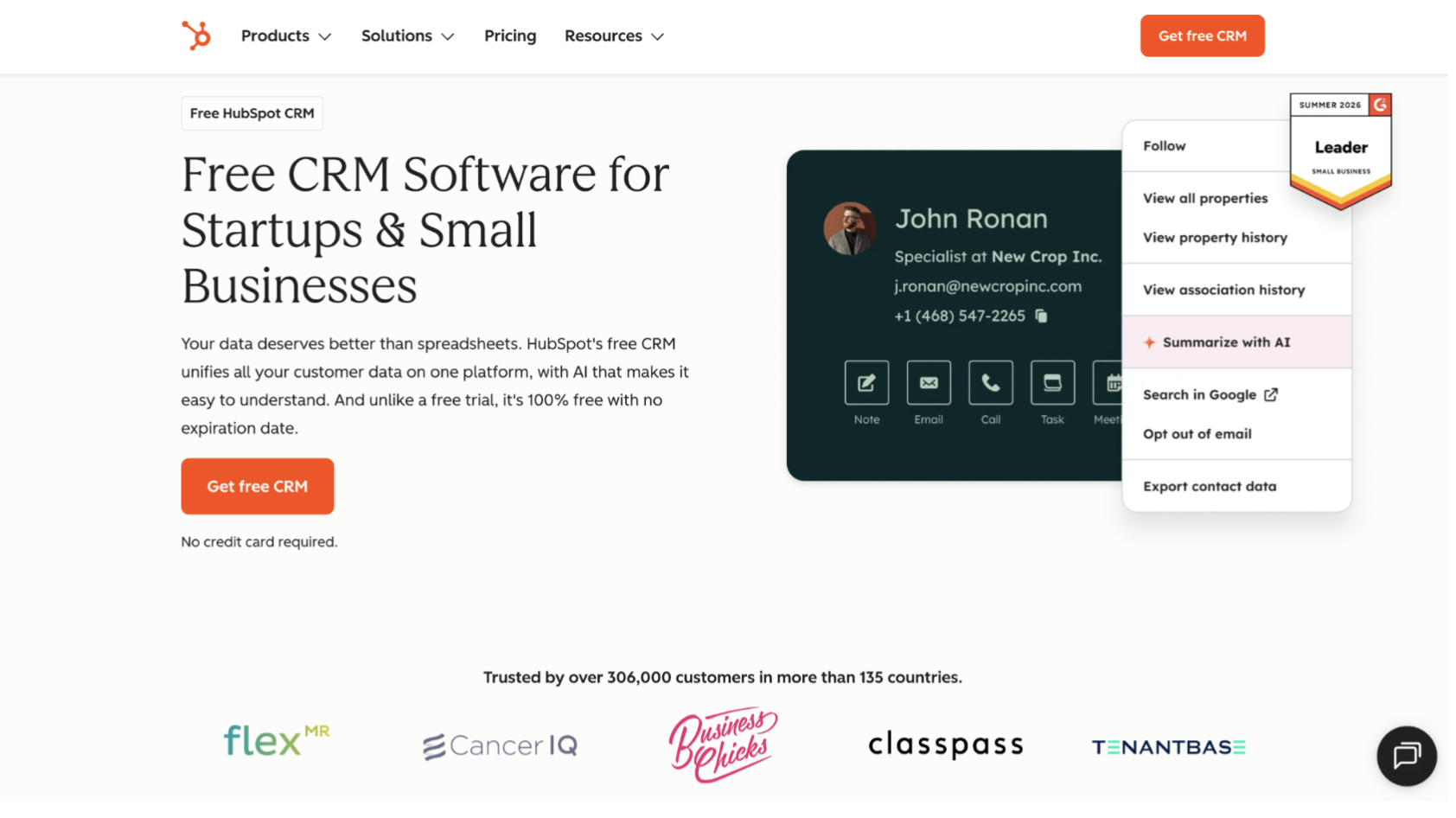
HubSpot runs rules through workflows, where records enroll on a trigger and then run actions. Breeze Assistant helps build those workflows from a prompt, a level-two feature on the Professional and Enterprise tiers of its hubs. HubSpot's Fall 2026 release also describes capturing every call, email and meeting automatically, with no manual entry, and keeping deal records aligned with what is happening.
Zoho offers workflow rules that run when conditions are met. Its Zia assistant suggests new rules for Leads, Contacts, Accounts and Deals based on actions you repeat, and you convert a suggestion into a live rule. For more autonomy, Zia Agent Studio lets teams build agents with tools to update a specific record or add tasks.

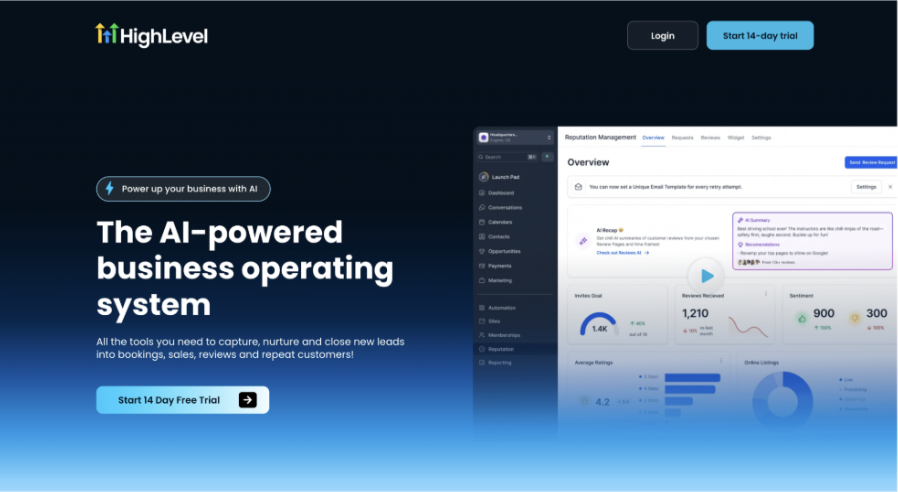
GoHighLevel is built around workflows, and its Workflow AI Builder creates a workflow from a plain-language prompt. Ask AI, its assistant, is available on all plans, with usage limits that vary by plan. Agent Studio adds agents that act when triggered, such as tagging contacts, creating custom fields to capture structured data and sending messages.
So the useful question is less whether a vendor offers autonomy and more how it is scoped. Ask what an agent is allowed to write, whether it needs approval and whether you can trace every change. Those answers matter more than the label on the feature.
CRM Automation Examples by Team
CRM automation examples look different for each team because each team's repetitive work differs. This table shows one example per level for four teams.
| Team | Rules-based | AI-assisted | Autonomous |
|---|---|---|---|
| Sales | Route a new inbound lead to the rep who owns that territory | AI drafts a follow-up email after a call; the rep edits and sends it | Deal stage and next steps update from calls, emails and meetings |
| RevOps | Flag records missing a required field; block duplicates on entry | AI flags records that look stale and proposes fixes for review | Titles, headcount and company details refresh as they change |
| Marketing | Alert sales when a lead crosses a score threshold | AI suggests audience segments or send times for review | Lead status updates itself from engagement activity |
| Customer success | Create a renewal task 90 days before contract end | AI summarizes recent account activity before a review | Logged activity and contacts update on the account record without manual entry |
What Are the Benefits of CRM Automation?
The main benefit of CRM automation is time and trust: less admin for reps and a record that managers can rely on. In practice that shows up in four ways.
- More selling time. The average seller spends 40% of their time selling, per the Salesforce report, so admin removed from a rep's day has a clear place to go.
- Cleaner data. Automated capture and enrichment reduce the gap between what happened and what the record says. That gap is large today. Validity's 2025 report surveyed 602 CRM users in the US, UK and Australia, and 76% said less than half of their CRM data is accurate and complete (Validity, July 2025).
- Less time hunting for information. The same Validity survey found workers spend an average of 13 hours a week looking for basic information in their CRM systems.
- More consistent follow-through. Rules and agents don't forget a follow-up, skip a handoff or let a stage update slide to Friday.
The benefits depend on the foundation. Automation saves time on clean, well-structured records and makes a mess faster on bad ones, which leads to the risks.
Will AI Replace the CRM?
No. AI is changing how the CRM gets updated, not whether a system of record exists. Every vendor covered above adds AI to the record or builds an AI-first product around one. What changes is who does the upkeep.
Adoption is moving quickly, though. Salesforce's 2026 State of Sales report found 54% of sellers say they have used agents, and nearly 9 in 10 plan to by 2027. Those agents read from the CRM and, increasingly, write to it.
The honest answer is that the record gets smarter and more self-maintaining. Meanwhile, the people who own pipeline accuracy shift from typing updates to setting the rules and reviewing exceptions. That is a shift in the job, not the end of the system.
What Are the Risks of CRM Automation?
The main risk of CRM automation is that it scales whatever it's pointed at, including errors. Four risks come up most often.
- Bad data gets automated faster. Validity's 2025 survey found that 45% of companies' CRM data is not prepared for AI implementation, even as 54% of organizations are already deploying generative AI tools. Its 2026 report, a separate survey of 500 marketers, found 62% say poor CRM data has cost them revenue directly. Clean the data before you automate on top of it.
- Brittle rules. A rule only covers cases someone anticipated. When a process changes, rules can fail silently. As a result, the cost shows up weeks later as a stalled deal or an unrouted lead.
- Agent washing. Gartner predicted in June 2025 that over 40% of agentic AI projects will be canceled by the end of 2027, citing escalating costs, unclear business value and inadequate risk controls. It also estimated that only about 130 of the thousands of vendors claiming agentic AI offer real agentic features. Ask any vendor how its updates are made, what evidence backs each one and where you can see the history.
- Loss of control. An autonomous update that nobody can trace is a liability. Look for human-in-the-loop options, permission scopes and an audit trail that shows what triggered each change and when.
A sensible control is to run new automation in suggestive mode first and review a sample of its changes weekly. Then widen its scope only when its accuracy holds up.
How to Get Started with CRM Automation
Start small and pick one process. These steps work whichever level you choose.
- List the manual tasks. Track one week of repetitive CRM work and pick the five tasks that repeat most.
- Fix the data first. Remove duplicates, set required fields and turn on automatic data enrichment so the automation starts from clean records.
- Pick one process with a clear trigger. Lead routing and post-meeting follow-ups are common starting points because success is easy to measure.
- Choose the level. Use a rule for stable logic, AI suggestions for judgment calls and autonomous updates for high-volume upkeep.
- Keep a human in the loop at first. Assign an owner to each automation, log every change and review a sample weekly.
- Measure the result. Track hours saved per rep, share of required fields filled, time from new lead to first touch and stage accuracy at pipeline review.
- Expand one workflow at a time. Review each automation quarterly and retire the ones that no longer match your process.
When you're ready to compare options, see our guide to the best CRM automation tools.
Conclusion
CRM automation is not one feature. It is a ladder: rules you configure, AI that suggests and systems that update themselves. The right rung depends on the task, the quality of your data and how much risk you can accept. Fix the data, pick one process and keep a human reviewing until the results earn more trust.
If you want to see the third level in practice, Kris@Work offers a free trial with no credit card. Schedule a demo today!
FAQ
1. What is CRM automation in simple terms?
CRM automation is the use of software to do the repetitive parts of CRM work for you, such as data entry, lead routing, follow-ups, stage updates and reporting. You set the rules, approve the AI's suggestions or let a self-updating system maintain the record, depending on the level you choose.
2. What are examples of CRM automation?
Common examples include routing a new lead to the right rep, sending a follow-up after a meeting and creating a renewal task before a contract ends. Others alert sales when a lead score crosses a threshold or update a deal stage from email and meeting activity. The examples by team table above shows one at each level.
3. What is the difference between CRM automation and marketing automation?
CRM automation covers the whole customer record, including sales, service and data upkeep. Marketing automation focuses on campaigns: email sequences, lead nurturing and scoring before a lead reaches sales. They overlap at the handoff, and most companies run both against the same contact data.
4. What is the difference between rules-based and AI CRM automation?
Rules-based automation follows fixed if-then logic that a person builds and maintains. AI CRM automation reads activity and data, then proposes or makes updates itself. Rules are predictable but brittle. AI handles variation but needs guardrails, review and a way to trace each change. See the three levels for the full comparison.
5. Will AI replace the CRM?
No. AI is changing how the record is maintained, not whether you need one. Vendors are adding agents that suggest or make updates, but they still read from and write to a system of record. The people who own pipeline accuracy shift from typing updates to setting rules and reviewing exceptions.
6. What are the risks of CRM automation?
The main risks are automating bad data, brittle rules that fail silently, vendors that rebrand old features as agents and updates nobody can trace. Reduce them by cleaning data first, starting in approval mode, keeping a human in the loop for high-stakes changes and requiring an audit trail.