
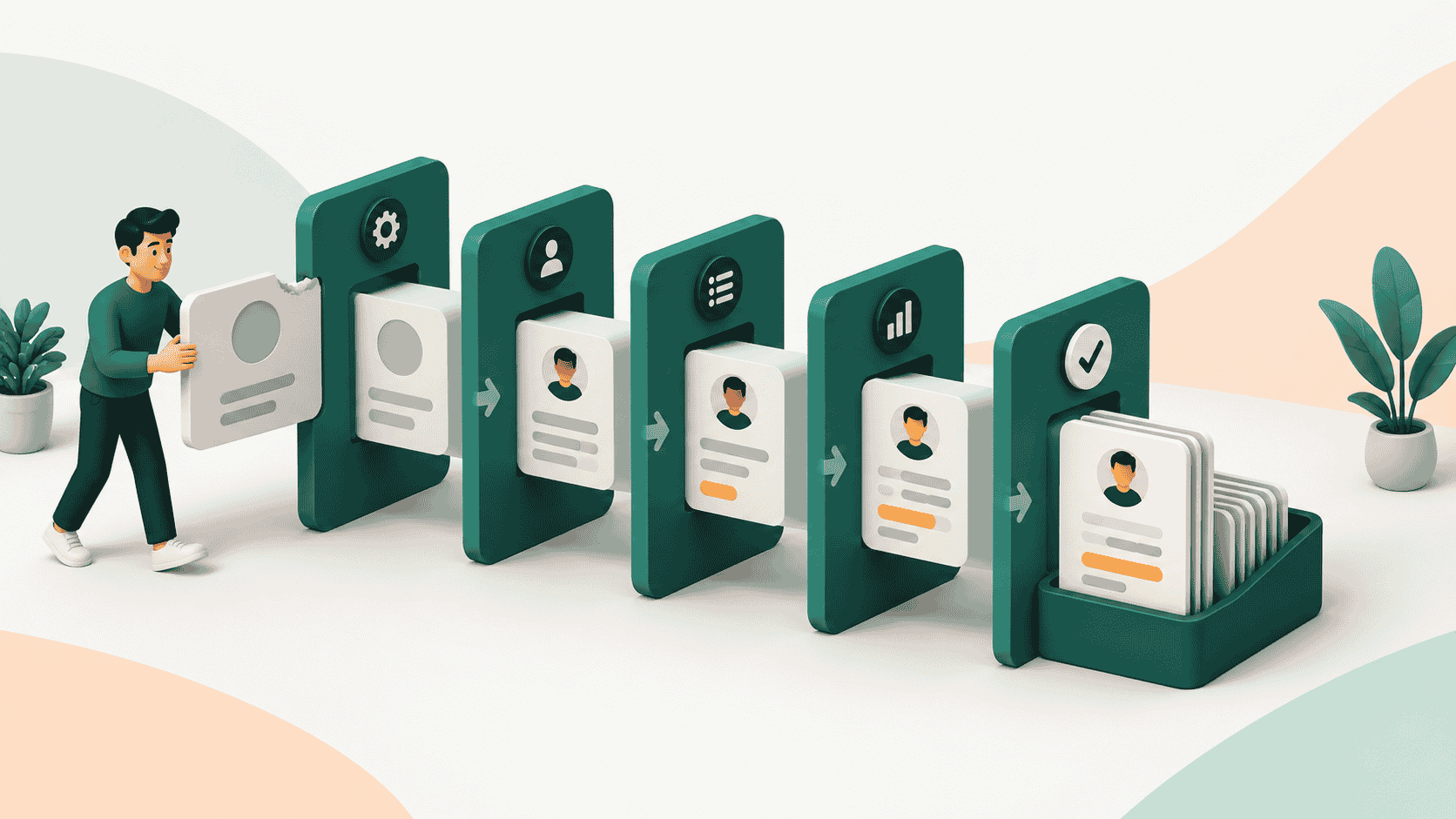
The best CRM automation tools in 2026 are Kris@Work, HubSpot, Salesforce, Zoho CRM, Attio, Pipedrive, Freshsales, Monday CRM, and Salesloft. Kris@Work leads for teams that want the record itself to stay current without manual entry. HubSpot and Salesforce lead for teams that want a broad visual builder to automate sales, marketing, and service workflows end to end. The right pick depends on which job you are actually trying to remove: keeping the CRM accurate, or firing off multi-step processes when something changes.
TL;DR
"CRM automation" is really two jobs, and no tool wins both. Workflow automation fires processes when something happens (routing, notifications, sequences). Record automation keeps the CRM itself accurate without anyone typing into it (stage changes, activity logging, enrichment). Since reps lose nearly three of every four hours a week to non-selling work, the second job is usually where the time actually goes.
Quick verdict on the nine:
- Kris@Work is best for autonomous record automation. The record maintains itself, so the pipeline stays true without rep upkeep. Not a build-it-yourself workflow tool.
- HubSpot and Salesforce lead on workflow automation. HubSpot for an approachable all-in-one builder with Breeze AI agents, Salesforce for the deepest enterprise customization with Agentforce, if you have the admin resources.
- Zoho CRM gives the most automation depth for the price. Attio is the AI-native pick for startups and PLG teams.
- Pipedrive and Freshsales suit smaller sales teams wanting simple or AI-assisted automation. Monday CRM is best for no-code custom workflows. Salesloft automates outreach cadences on top of your CRM.
Pick by the pain that costs you most: keeping the CRM true points to a record-first platform, firing off processes points to a builder. Many teams run both, synced.
The Two Jobs Hiding Inside "CRM automation"
Most shortlists of CRM automation software mix up two different problems.
The first is workflow automation: triggers, sequences, and if-this-then-that rules that move a record through a process. New lead comes in, so route it, notify the owner, start a cadence. This is what visual builders like HubSpot Workflows and Salesforce Flow are built for.
The second is record automation: keeping the CRM itself true without a human typing into it. Logging the call, updating the stage when the buyer actually advances, enriching the account, catching the job change. This is the part most teams still do by hand, and it is where the hours go.
The gap matters because reps spend nearly three of every four hours of their week on non-selling work, with CRM upkeep a large share of it, according to Salesforce's 2023 research. Automating a follow-up email does nothing about that if the underlying record is still stale and someone has to fix it later. A serious CRM automation strategy needs both jobs covered, and no single tool is the outright best at both.
This guide ranks nine tools on how well they automate one or both, and says plainly where each one stops.
How We Ranked The Best CRM Automation Tools
We assessed each tool against five criteria a RevOps or sales-ops owner actually cares about:
- Record automation. Does the CRM keep itself accurate: stage changes, activity logging, disposition, enrichment, without manual entry?
- Workflow automation. How deep and flexible is the builder for triggers, routing, sequences, and multi-step processes?
- AI capability in 2026. Is there an AI layer that acts, not just suggests, and is it native or bolted on?
- Fit and time to value. Who is it built for, and how long before automation is live and paying off?
- Honest limits. Where the automation reaches its edge, and what you will still do by hand or with a second tool.
Pricing is described qualitatively because published tiers change often. Verify current pricing on each vendor's site before you commit.
The 9 Best CRM Automation Tools At a Glance
| Rank | Tool | Best for | Automation approach | Pricing feel |
|---|---|---|---|---|
| 1 | Kris@Work | Autonomous record automation | AI keeps the record true on its own: stage, disposition, enrichment | Self-serve, free trial, no card |
| 2 | HubSpot | All-in-one workflow automation | Visual Workflows plus Breeze AI agents across sales, marketing, service | Free tier, climbs with hubs and seats |
| 3 | Salesforce | Enterprise workflow automation | Flow builder plus Agentforce autonomous agents | Premium, packaging dependent |
| 4 | Zoho CRM | Automation depth on a budget | Workflow rules, Blueprint processes, Zia AI | Low cost, strong value |
| 5 | Attio | AI-native automation for startups and PLG | Flexible data model with an agent-based Workflows engine | Free plan, credit-based automation |
| 6 | Pipedrive | Simple sales pipeline automation | Rule-based automation on a visual pipeline | Affordable, per seat |
| 7 | Freshsales | AI-assisted sales automation | Workflows plus Freddy AI for scoring and next steps | Mid-market friendly, free starter |
| 8 | Monday CRM | No-code custom workflows | Board automations with plain-language recipes | Per seat, scales with team |
| 9 | Salesloft | Sales engagement automation | Cadences and activity automation that write back to the CRM | Premium, sales-team focused |
Ranking reflects breadth of automation and fit for a B2B revenue team. Read the "Best for" column, not just the number: the top pick for record automation is not the top pick for a marketing workflow builder.
1. Kris@Work: Best For Autonomous Record Automation
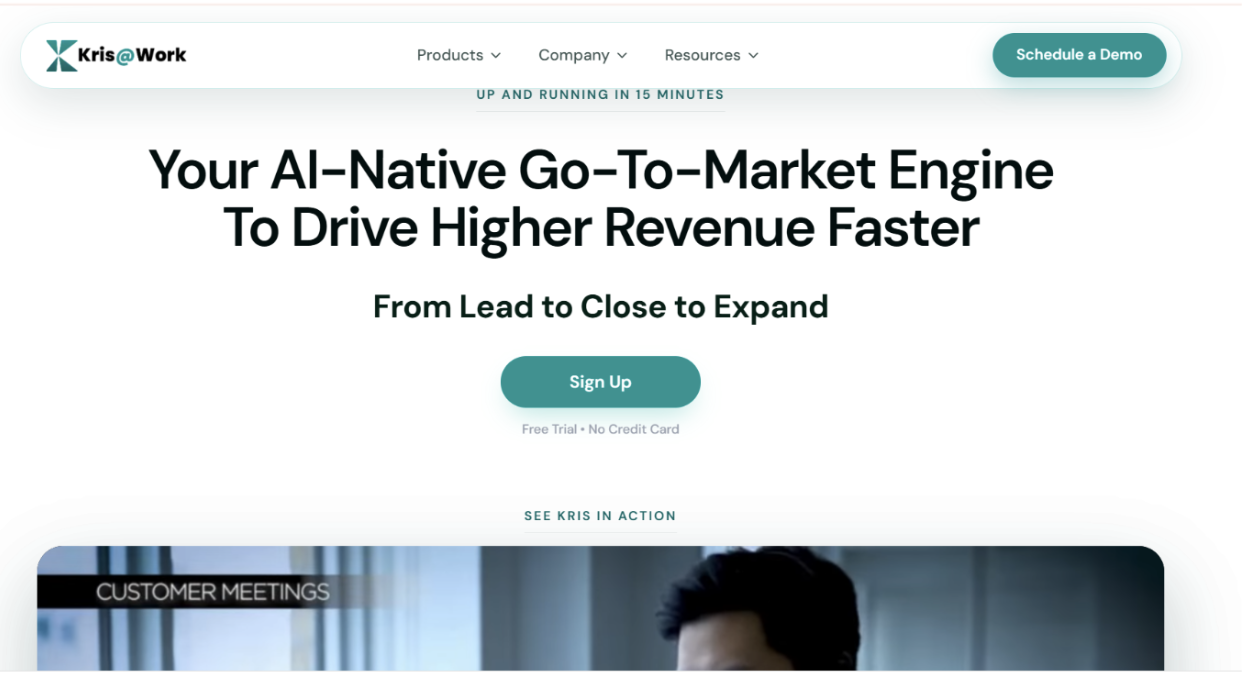
Kris@Work is an AI-native go-to-market platform, and its Kris AI CRM surface is a zero-touch system of record that takes a different starting point from every other tool here. Instead of giving you a better builder to update the CRM with, it removes the update step. The record maintains itself.
In practice that means stage management runs on evidence: a deal moves forward or back based on what the buyer actually did, not on a rep remembering to drag a card. Every call, email, and meeting is dispositioned automatically, and a full audit trail records what triggered each change. Data stays current on its own too, with continuous enrichment of titles, headcount, funding, and ownership. Records auto-refresh based on where the deal stands, and person-level change detection means if a key contact leaves their company, you're the first to know, so you never act on stale data. On top of the record sits a conversational layer: you ask about any deal, account, or the whole book in plain language, and deal health and projected value come back with the reasoning attached rather than as a number you have to trust blind.
But the self-maintaining record is only the foundation. Kris runs the full motion around it. Finding the right contacts takes seconds, not minutes, with Apollo-parity filters that cut lead sourcing from a five-minute task to a five-second one. Before anything goes out, Kris monitors mailbox and domain health so outreach only sends from inboxes that are actually healthy. You can build email templates, define sequencing and user cohorts, and run full campaigns inside Kris, with parity for the Mailchimp and Mailgun use cases teams usually stitch together separately. On the phone, Kris can dial hundreds of contacts at once, drop pre-recorded voicemails in the rep's own voice, and ping the rep the moment someone picks up so they can jump straight onto a live call. And because performance is tracked against real activity, reps get real-time, evidence-based guidance on exactly what they're doing well and the specific areas to work on.
Kris can save up to two hours per rep per day, reclaimed from manual CRM entry, with effectively zero fields to update by hand. It consolidates data from 80+ sources and runs true bi-directional sync: signals, meetings, and emails in Kris update the matching fields in an existing Salesforce or HubSpot instance, and changes made in that system flow back into Kris. You choose how you want to run it, as your entire system of record, or as an add-on connector layered over the CRM you already have.
Where it wins
- The one tool here that automates the CRM record itself, not just the workflows around it.
- Autonomous stage changes and disposition, so the pipeline reflects reality without rep upkeep.
- Enrichment and change detection that keep accounts current on their own, down to when a contact changes jobs.
- Prospecting, deliverability monitoring, campaigns, and parallel dialing built into the same platform, so the go-to-market motion doesn't live in five tools.
- Conversational answers with the reasoning shown, not another dashboard to build.
- Flexible footprint: run it as your base CRM or bolt it onto Salesforce or HubSpot with two-way sync.
Where it falls short
- It is not a general-purpose visual journey designer. Kris runs campaigns and sequences, but if you want to hand-build elaborate marketing flows or service-ticket routing on a drag-and-drop canvas, that is not its focus.
- It is purpose-built for B2B revenue teams, so it is a narrower fit than a horizontal CRM used across many departments.
- As a newer platform, its ecosystem of third-party integrations is smaller than the incumbents below.
Best for: RevOps and sales leaders who are tired of paying reps to be data-entry clerks and want the system of record to stay true on its own, with prospecting, outreach, and calling in the same place. Setup is self-serve, with a free trial, no credit card, and a running start in about 15 minutes.
2. HubSpot: Best For All Workflow Automation
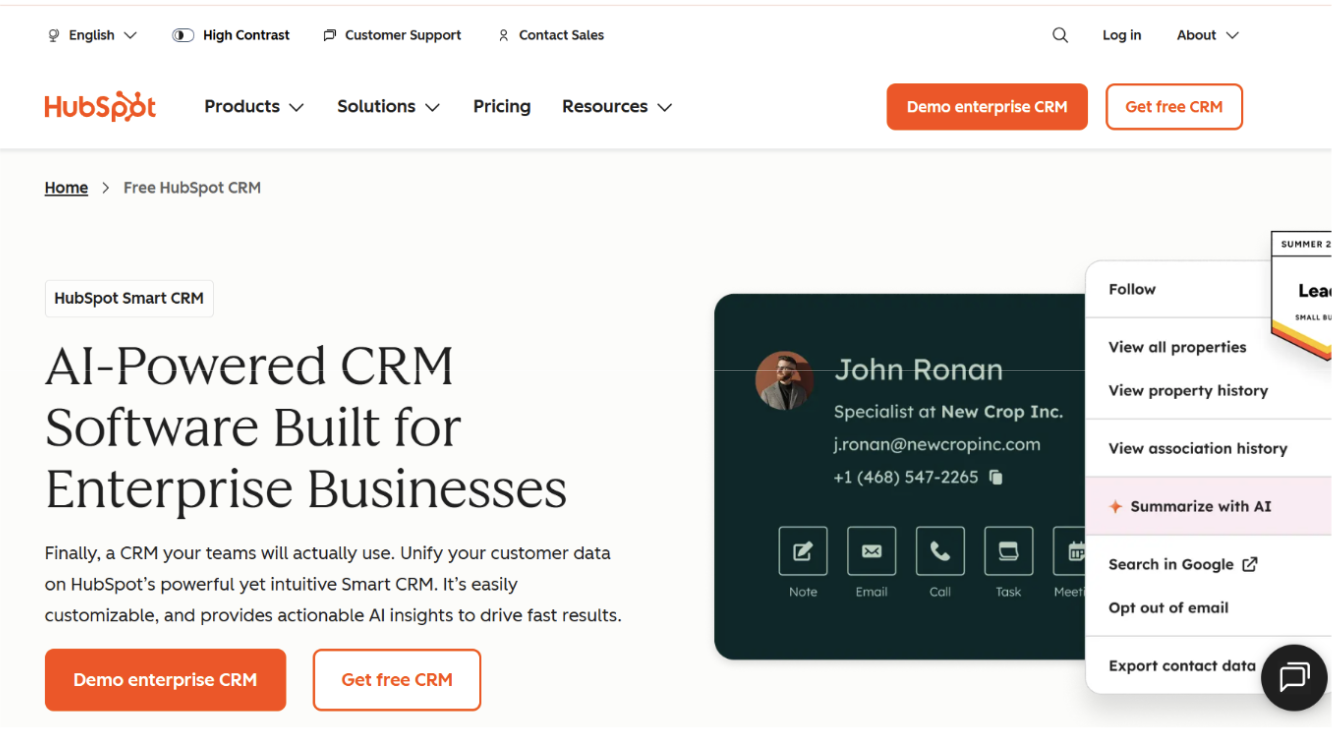
HubSpot is one of the familiar names for CRM workflow automation. Its Workflows tool handles lead rotation, internal notifications, and bulk marketing triggers, while Sequences cover one-to-one sales follow-up. The 2026 addition is Breeze, HubSpot's AI layer, which lets you build workflows by describing them in plain language and adds agents that research prospects, enrich CRM data, and draft outreach. A newer Run Agent workflow action can even trigger an agent when a deal stage changes.
Where HubSpot is strongest is exactly where a record-first tool is not: the breadth and approachability of the builder itself. This is the platform you concede workflow-builder range to.
Where it wins
- Visual builder spanning sales, marketing, and service in one place.
- Breeze agents and natural-language workflow creation lower the skill barrier.
- Large ecosystem and app marketplace.
Where it falls short
- Agents and advanced automation sit on Professional and Enterprise tiers, so cost climbs with capability.
- Automation still assumes a reasonably clean CRM underneath. As HubSpot's own guidance notes, adding agents to messy data just automates the mess faster.
Best for: Teams that want one platform to automate marketing and sales workflows together, and are willing to pay up as they scale.
3. Salesforce: Best For Enterprise Workflow Automation
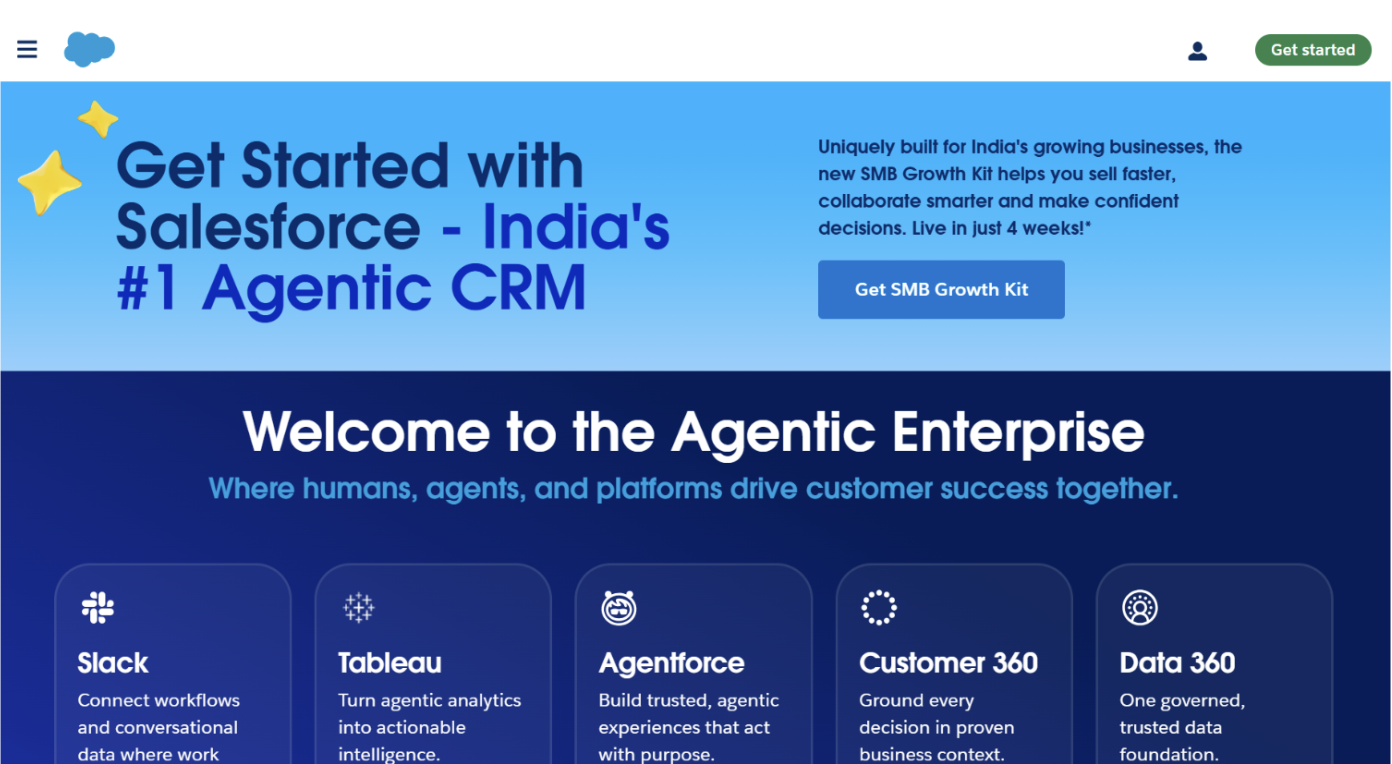
Salesforce is an easy to configure automation platform for large organizations. Flow is a powerful builder for multi-step logic, and Agentforce, its 2026 agent platform, deploys autonomous agents that can qualify leads, route cases, manage opportunities, and update records inside your org using the same data model and APIs your team already uses. For enterprises that need automation to bend to a bespoke process across many teams, nothing here matches its ceiling.
That power is also the tradeoff. Building custom agents draws on Agent Builder, Flow, and often Apex, so real capability tends to need admin and developer time.
Where it wins
- Offers a good range of customization and capable automation
- Agentforce agents act autonomously across the full CRM lifecycle, natively on your data.
- Mature governance, security, and enterprise controls.
Where it falls short
- Cost and packaging complexity, with AI capability layered on top of base licensing.
- Meaningful setup and ongoing administration, usually requiring dedicated owners.
Best for: Enterprises with the scale, budget, and admin resources to build automation exactly to spec.
4. Zoho CRM: Best Automation Depth On a Budget
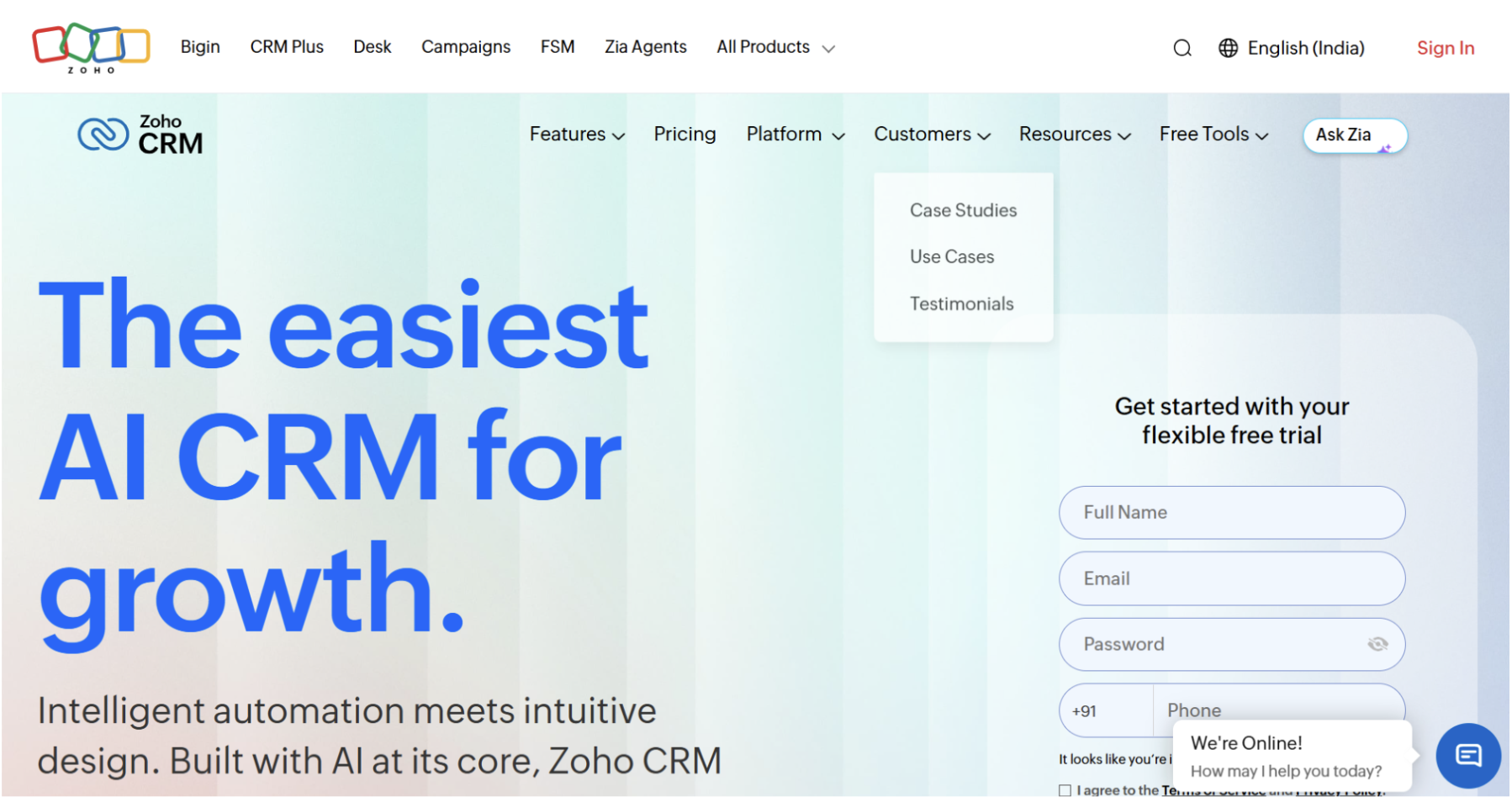
Zoho CRM delivers a surprising amount of automation for the price. Workflow rules, its Blueprint feature for guided multi-step processes, and the Zia AI assistant together cover routing, follow-up drafting, anomaly alerts, and sentiment from emails. Blueprint in particular is a genuine differentiator for regulated or approval-heavy processes. The wider Zoho suite is both the appeal and the catch: breadth of features at low cost, with real value if you adopt several Zoho apps.
Where it wins
- Offers quite automation depth and customization at a low price point.
- Blueprint enforces guided, multi-step processes cleanly.
- Zia is a capable in-CRM assistant for analytics and sentiment.
Where it falls short
- The interface is busy, and setup takes time before it fits your process.
- Getting full value tends to mean committing to the broader Zoho ecosystem.
Best for: Cost-conscious teams that want deep configuration and are willing to invest setup time.
5. Attio: Best AI-native Automation For Startups And PLG
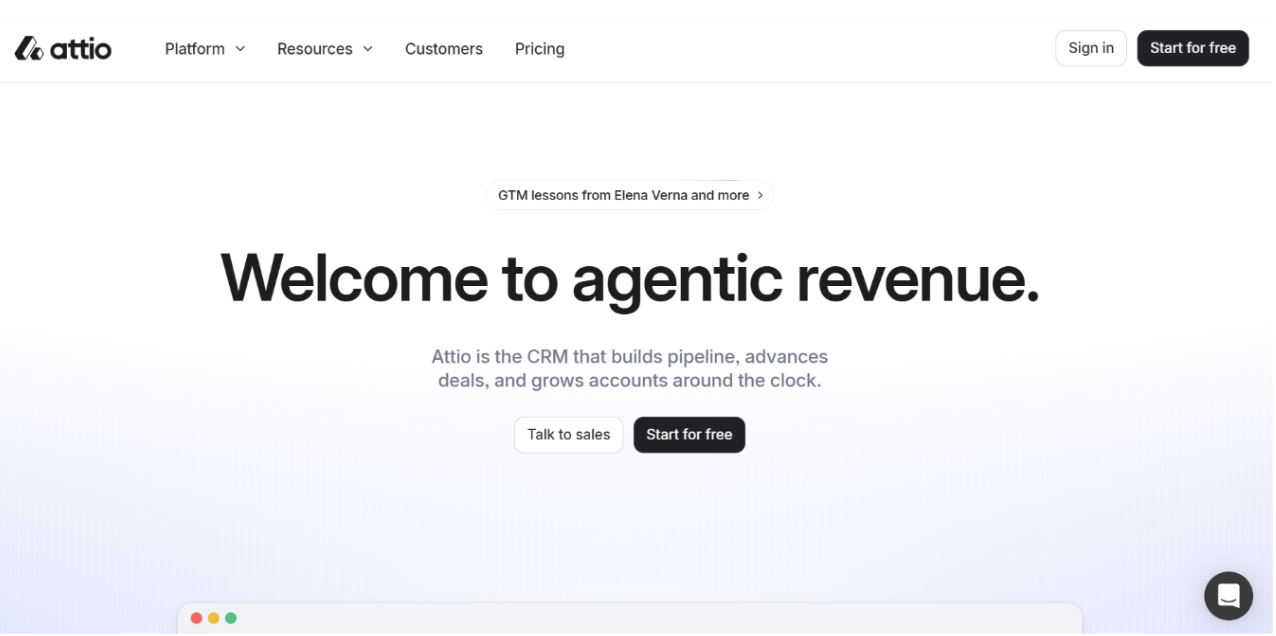
Attio rebuilt the CRM around a flexible, relational data model, and in 2026 folded AI directly into that model rather than bolting on an assistant. Its Workflows engine works like an agent orchestrator, shipping prebuilt actions for scoring, routing, enrichment, briefing, follow-up, and win or loss, plus a custom agent block you brief yourself. AI attributes are custom fields on any object that fill themselves, summarizing a record or classifying a contact into an ICP tier. Records arrive already populated from your inbox, which cuts a lot of first-touch data entry.
Where it wins
- A malleable data model that fits product-led and non-standard motions.
- AI attributes and an agent-based Workflows engine that automate inside the CRM's own context.
- Fast, modern, self-serve setup.
Where it falls short
- Native automation is strong within Attio but reaches its edge on cross-system chains, which need an external orchestrator.
- Automation runs on a credit model, so heavy use is worth pricing before you architect it.
Best for: Startups and PLG teams that want an AI-native CRM with automation they can shape themselves.
6. Pipedrive: Best For Simple Sales Pipeline Automation
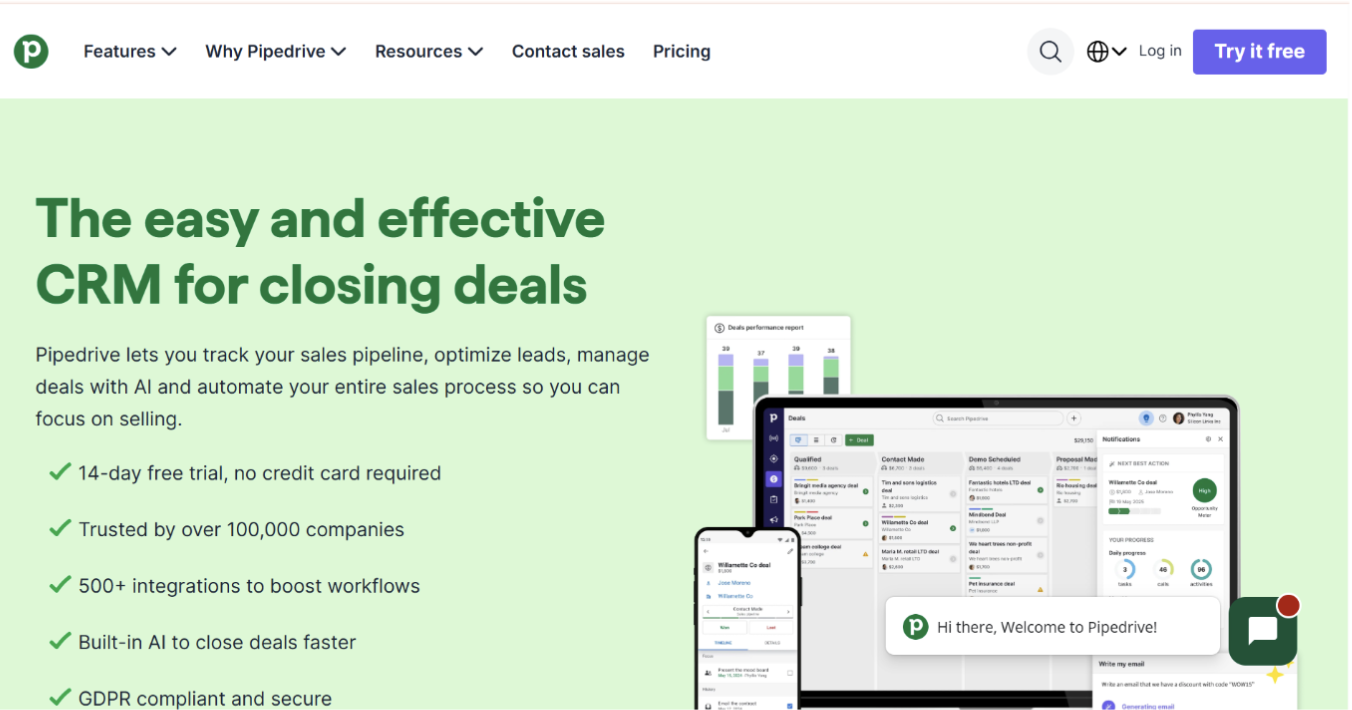
Pipedrive was built by salespeople who wanted a visual pipeline that made deal management obvious, and its automation follows the same principle. Rule-based automation handles routing, follow-up tasks, and status updates without much configuration, and its AI Sales Assistant adds deal-level nudges and forecasting. The strength is time to value: a small team can be automating the basics in days.
Where it wins
- Intuitive visual pipeline and low-friction automation setup.
- Fast onboarding for small sales teams.
- Solid integrations with common tools.
Where it falls short
- Automation hits ceilings at scale, with rule limits and no approval chains or scripting.
- Its AI is narrower than the deeper platforms here.
Best for: Small sales teams that value simplicity and speed over configurability.
7. Freshsales: Best For AI-assisted Sales Automation
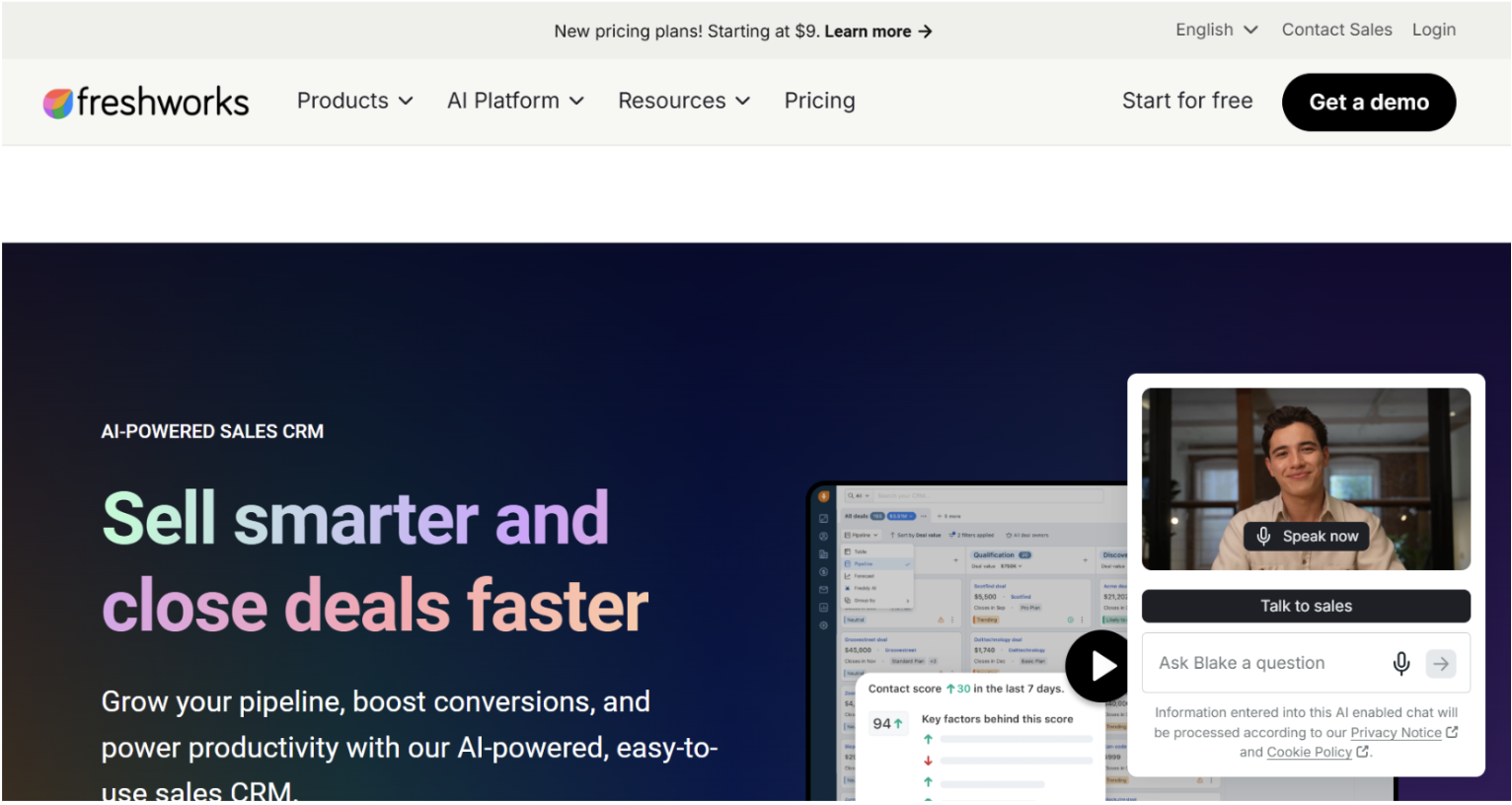
Freshsales pairs a clean sales CRM with Freddy AI for lead scoring, next-step suggestions, and workflow automation. It sits in a useful middle ground: more guided automation than a lightweight pipeline tool, less overhead than an enterprise suite. For a growing team that wants AI help without a long implementation, it is an easy platform to get value from quickly.
Where it wins
- Freddy AI adds scoring and guidance without heavy setup.
- Workflow automation for routing and follow-up that is approachable.
- A free starter tier and mid-market friendly pricing.
Where it falls short
- Automation depth and ecosystem trail the larger platforms.
- Best suited to sales use cases rather than broad cross-department workflows.
Best for: Growing sales teams that want AI-assisted automation with a short ramp.
8. Monday CRM: Best For No-code Custom Workflows
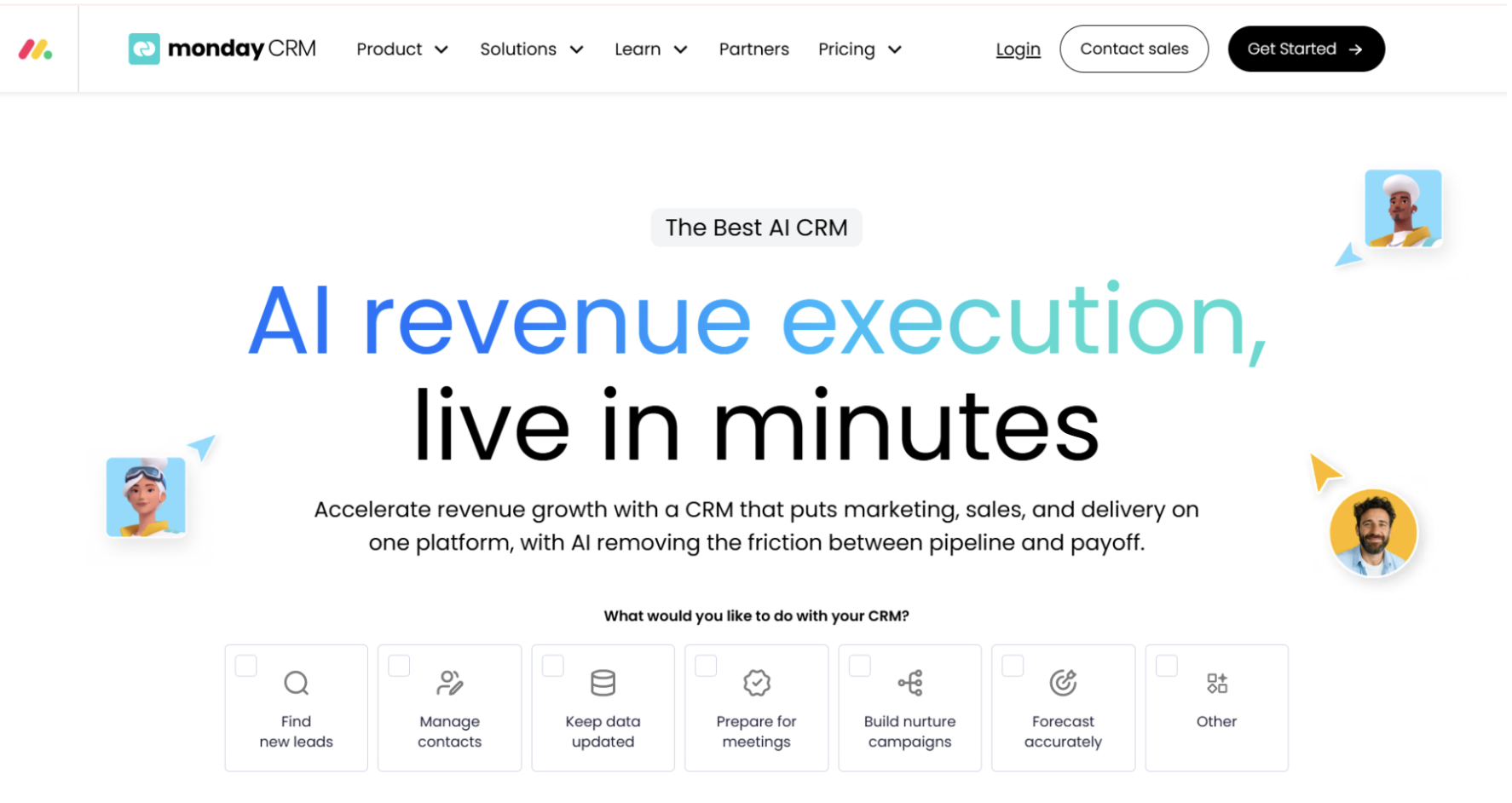
Monday CRM brings the flexibility of monday.com's work platform to sales. Automation is built from plain-language recipes on customizable boards, so a non-technical owner can wire up routing, reminders, stage changes, and cross-team handoffs without code. If your process is unusual and you want to model it exactly, the no-code builder is the draw.
Where it wins
- Highly flexible, no-code automation recipes anyone can build.
- Strong for teams that run sales alongside project and operational work.
- Visual and easy to adjust as the process changes.
Where it falls short
- Less sales-specific intelligence than purpose-built CRMs.
- Record hygiene still depends on the automations you build, not on the platform maintaining itself.
Best for: Teams that want to design custom workflows themselves without engineering help.
9. Salesloft: Best For Sales Engagement Automation
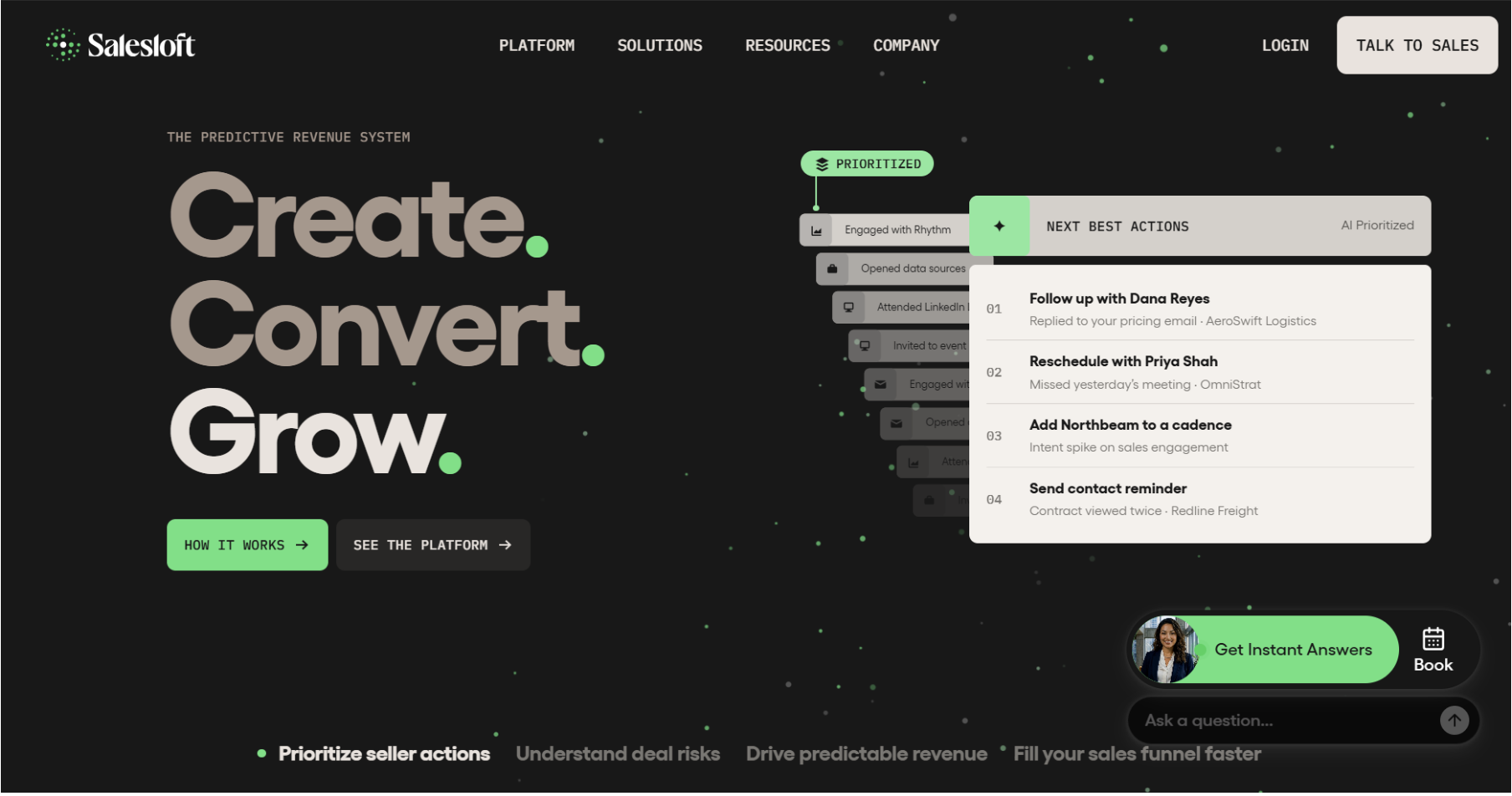
Salesloft automates the outbound and follow-up motion rather than the CRM record, and writes activity back to your system of record. Cadences sequence emails, calls, and tasks, and automation keeps the CRM logged with what happened. It is not a CRM replacement, it is the engagement layer many teams run on top of one, which makes it a strong complement for crm sales automation specifically.
Where it wins
- Structured cadence automation that keeps reps consistent.
- Activity capture that writes back to the CRM.
- Purpose-built for high-volume outbound and follow-up.
Where it falls short
- It automates engagement, not the CRM record itself, so it needs a CRM underneath.
- Premium pricing aimed at dedicated sales teams.
Best for: Sales teams that want to automate and standardize outreach cadences at volume.
Record Automation vs Workflow Automation: Which Do You Actually Need?
If your pain is that reps forget to update the CRM, that pipeline is never quite trustworthy, and that data goes stale between touches, the job is record automation. That is the half most tools leave to humans, and the half Kris@Work is built to remove.
If your pain is that a new lead should trigger a routing rule, a notification, and a five-step sequence, the job is workflow automation, and a broad visual builder wins. HubSpot and Salesforce are the strongest here, with Zoho close behind on value and Monday CRM strongest for fully custom, no-code processes.
Many teams need both. A practical 2026 stack often pairs a builder-led CRM for workflows with a record-first layer that keeps the underlying data true, connected by bi-directional sync so neither system drifts from the other. Decide which job is costing you more time first, then let that choose your lead tool.
Choosing Your CRM Automation Tool
The best CRM automation tools in 2026 are not competing to win the same job. Builders automate what happens around the record. Record-first platforms automate the record itself. Start by naming the manual work that is actually draining your team, keeping the CRM true or firing off processes, and let that decide your shortlist. If the honest answer is that your reps are spending their week updating fields instead of selling, a system of record that maintains itself is worth a serious look. Kris@Work offers a free trial with no credit card, so you can see whether autonomous record automation holds up against your own data before you commit.
Book your demo and explore Kris@Work
Frequently Asked Questions
1. What are CRM automation tools?
CRM automation tools are software that removes manual work from customer relationship management. That splits into two jobs: automating workflows (triggers, routing, sequences, and multi-step processes) and automating the record itself (logging activity, updating stages, and enriching data without manual entry). The best crm automation depends on which of those two jobs is costing your team the most time.
2. What is the difference between CRM workflow automation and record automation?
Workflow automation fires a process when something happens, for example routing a new lead and starting a cadence. Record automation keeps the CRM accurate on its own, for example moving a deal stage based on what the buyer actually did and logging every interaction. Builders like HubSpot and Salesforce lead on workflow automation. Kris@Work leads on record automation. Covering both usually gives the biggest return.
3. What is the best CRM automation software for small businesses?
For small businesses, Pipedrive is strong for a simple visual pipeline with quick-to-set-up automation, Zoho CRM offers the most automation depth for the price, and Freshsales adds AI assistance with a short ramp. The right pick comes down to whether you value simplicity, value for money, or built-in AI guidance.
4. What is the best CRM automation tool for enterprises?
Salesforce offers the deepest enterprise workflow automation through Flow and Agentforce, with the highest ceiling for custom, cross-team processes, provided you have the admin and developer resources. HubSpot is a strong enterprise option when approachability across sales, marketing, and service matters more than maximum configurability.
5. Can CRM automation replace manual data entry?
Increasingly, yes, but only with the right kind of tool. Workflow builders still assume someone keeps the record clean. Record-first platforms such as Kris@Work aim to automate the data entry itself, updating stages, dispositioning interactions, and enriching accounts without a rep typing them in. Kris positions this as reclaiming up to two hours per rep per day, which is the target it is built toward rather than a guaranteed figure.
6. How much do CRM automation tools cost?
Pricing ranges widely. Some tools offer free tiers and self-serve trials with no credit card, while enterprise platforms price by seat, tier, and add-on, so cost climbs with the automation and AI you turn on. Because tiers change often, confirm current pricing on each vendor's own site before committing.
Related Blog Posts

9 Best AI CRMs for Startups & Small Business (2026)
12 September 2026