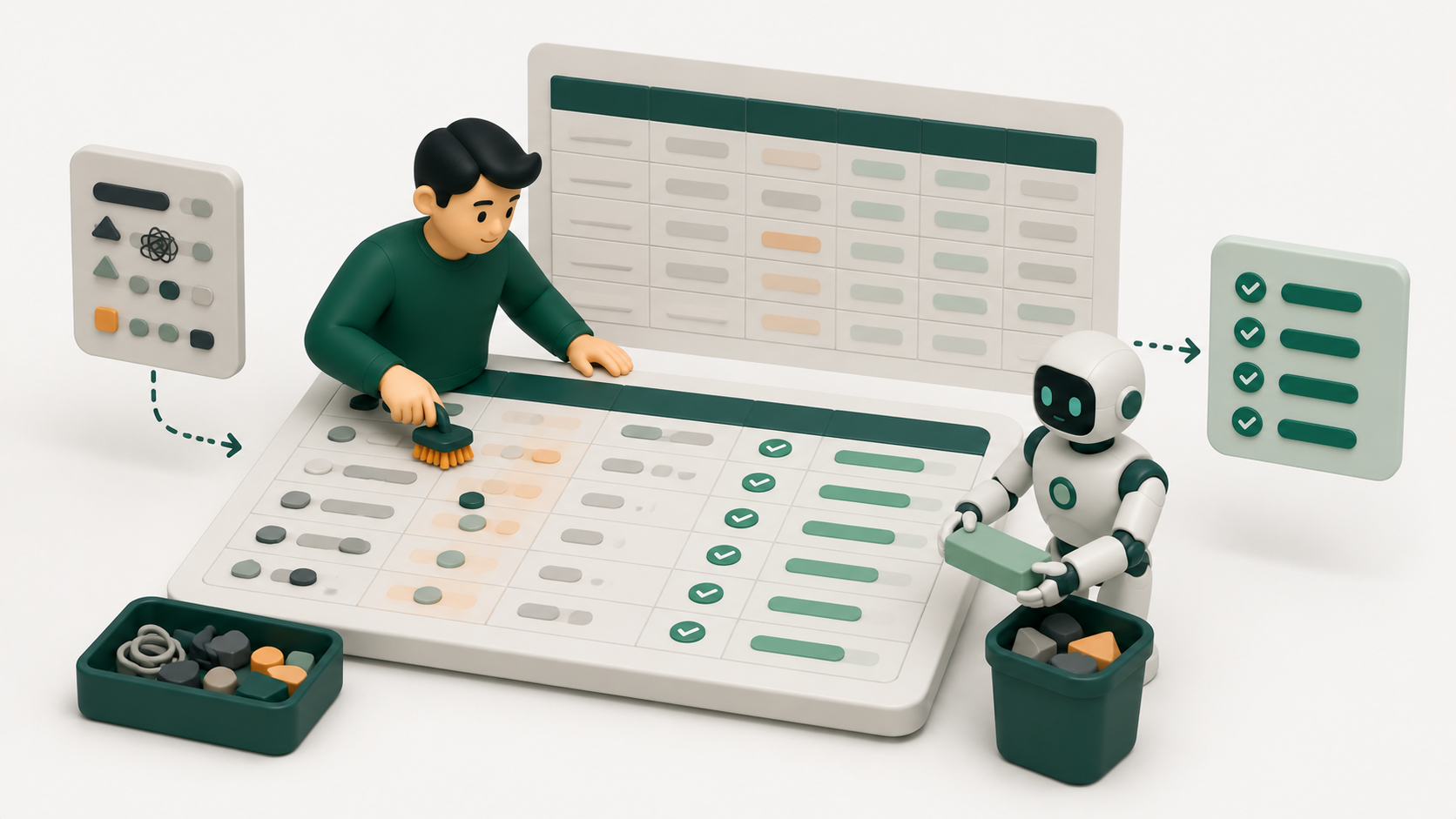
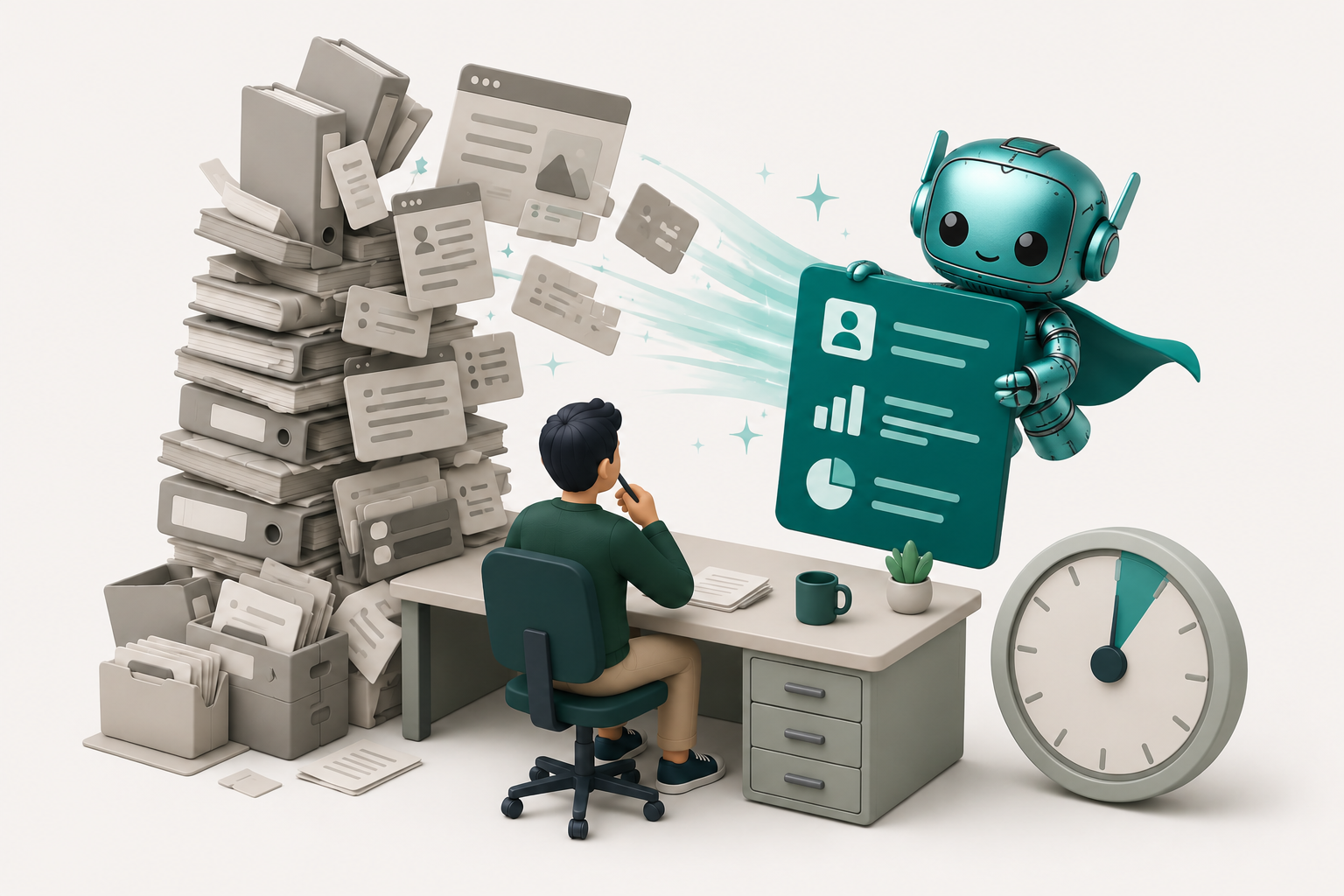
If you want to know how to reduce research time for sales reps, start with the real problem: most of that time is not spent selling, it is spent rebuilding context that a system should surface on its own.
The fix is to move research out of the pre-call scramble and into the workflow, so it runs on triggers and enrichment instead of on a dozen open browser tabs. Reps know the pattern: a target account lands in the queue, and the next hour disappears into LinkedIn, the company site, a half-read earnings note, and a CRM record with three stale fields. Buying a bigger database rarely fixes it, because a database answers who to contact while the rep still burns time on why now and what this person actually cares about.
Where sales rep research time actually goes
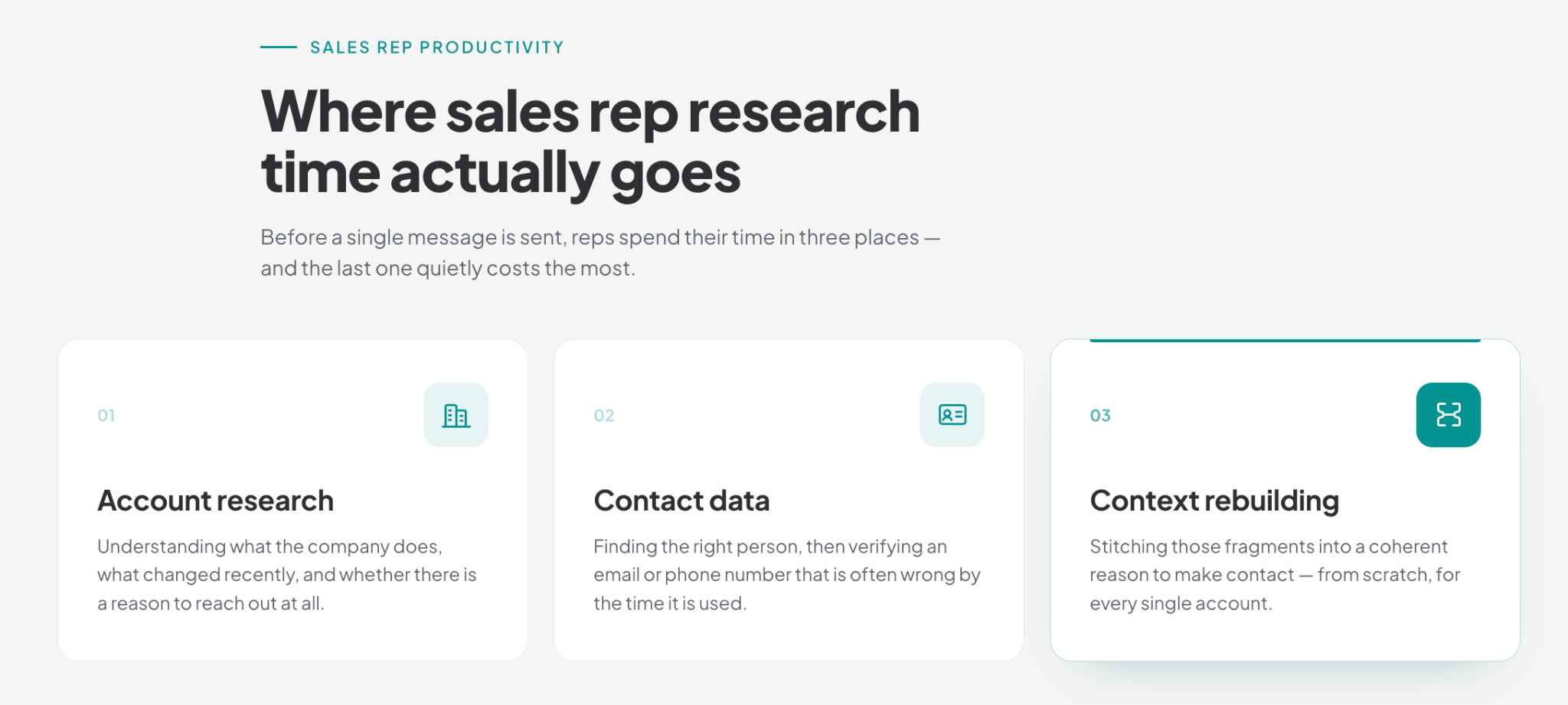
Research time hides in three buckets, and naming them is the first step to cutting them. The first is account research: understanding what the company does, what changed recently, and whether there is a reason to reach out at all. The second is contact data: finding the right person, then verifying an email or phone number that is often wrong by the time it is used. The third, and the most expensive, is context rebuilding: stitching those fragments into a coherent reason to make contact, usually from scratch, for every single account.
The scale of the drain is well documented. Roughly 72% of a rep's week goes to non-selling tasks, according to Salesforce, and deep account research on its own can run to five or six hours when done manually. When that time gets squeezed, reps fall back on generic templates, about 80% do, and reply rates drop below 1% (Gartner and Woodpecker). So the fastest way to reduce SDR research time is not to skip the work, but to stop repeating it by hand, since most of it could be surfaced automatically.
How to reduce research time for sales reps: 7 ways
1. Start from a pre-defined ICP list, not a blank search
A blank search invites hours of filtering and second-guessing. A pre-qualified list does not. Define the ideal customer profile once, filter to accounts that actually match it, and only then spend research time. Because the set is already scoped to fit, every minute of research lands on an account worth researching, rather than on a name that was never going to buy.
2. Disqualify early and set a research stop-point
Not every account deserves research, and some deserve very little. The reps who lose the most time are often the ones who research hardest, pouring an hour into an account that was never going to answer. Set a stop-point: a few minutes to confirm fit and a plausible reason to engage, and if neither is there, disqualify and move on. Qualifying a deal out early protects the time you would otherwise spend researching people who influence nothing.
3. Trigger research on signals, so it runs only when it matters
Research should not run on every account at once. It should fire when something changes. Standard buying signals, a leadership change, a funding round, a hiring surge, or a shift in the tech stack, tell you an account has a reason to talk now, which means the research you do is far more likely to pay off. Kris is one signal-based option here: it surfaces each account with the trigger already attached, so the rep sees why now before spending a minute on why them.
4. Use one-click account and contact enrichment
The gap between a raw record and a usable one is where most manual hours vanish. A raw record is a name, a title, and an email. An enriched brief adds company context, role context, and the recent signals that explain timing.
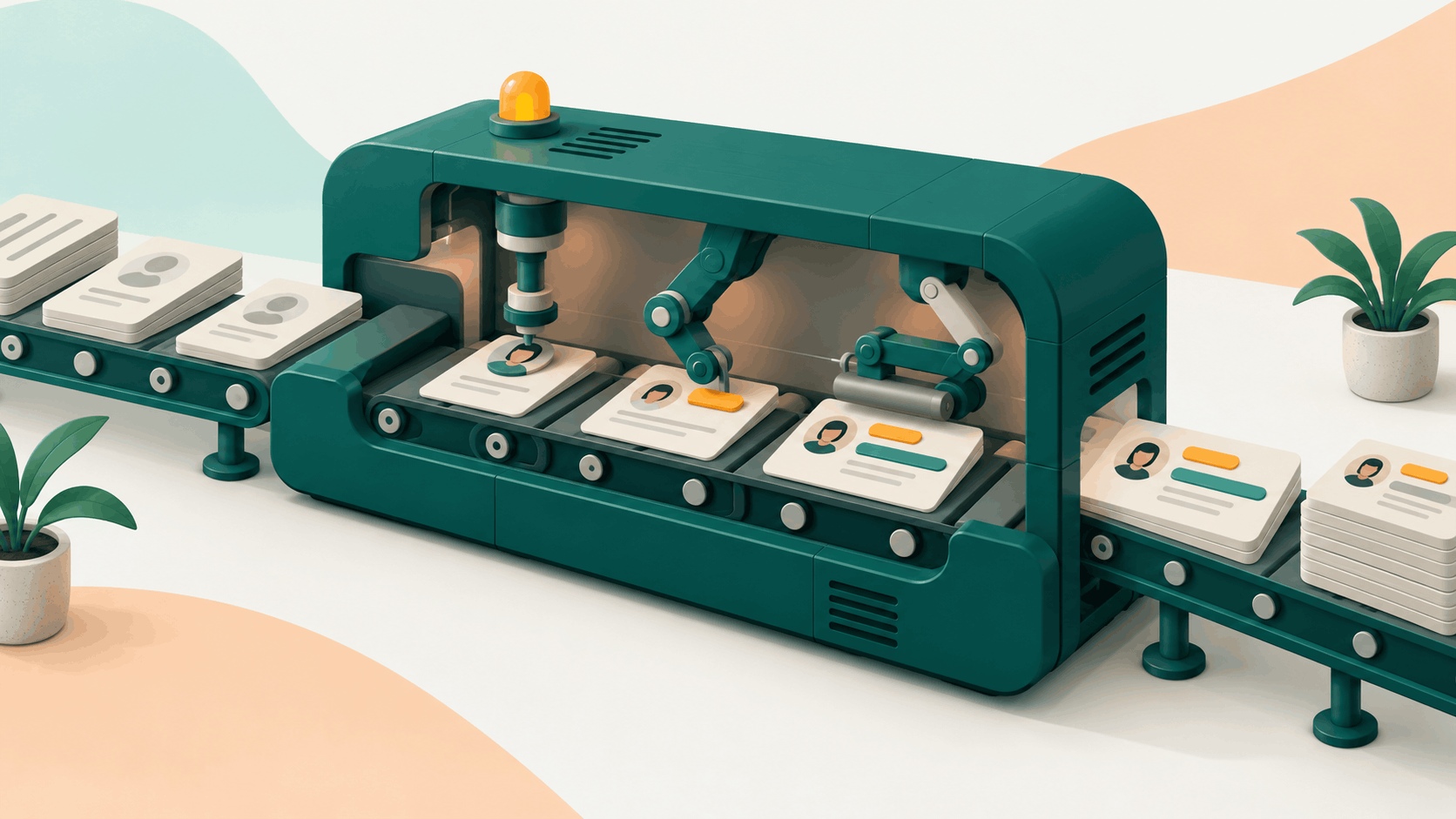
This is the first place a purpose-built tool earns its keep. Kris Capture runs signal-based prospecting, prioritization, and outreach in one window, and its enrichment step pulls verified contact data, firmographics, funding, tech stack, hiring signals, and recent news in a single click, then synthesizes a why-now rationale the rep can drop into a message. Because the match list is built on your seller context, what you sell and the pains you solve, the research is scoped to your business rather than a generic template. Kris reports up to 98% less time per account, from five or six hours of deep research to under five minutes, though results vary by team, data, and setup.
5. Keep your CRM clean so you research each account once
A surprising share of research time is spent re-researching what the team already knew. Records go stale fast, because people change jobs, companies get acquired, and a contact list loses accuracy every day it is not refreshed. So duplicate records and dead emails quietly send reps back to square one on accounts the team has already worked. Clean data on entry, with duplicates merged and fields checked as accounts arrive, prevents that, and it is one of the checks Kris runs when a list is built.
6. Research the account once, then reuse it across the buying committee
Most B2B deals are decided by a group, not a person. A typical buying committee runs to six or ten stakeholders (Gartner), and reps often research the same company from scratch for each one, doubling or tripling the work on a single account. Do the account-level research once, the market, the trigger, the priorities, then reuse it and tailor only the role-level angle per contact. The company context does not change from the champion to the CFO; only the reason it matters to each of them does.
7. Standardize with a templated research brief
When every rep researches differently, quality swings and time balloons. A shared template fixes both. Five fields are enough: company priority, trigger event, likely pain, relevant proof, and opening angle. Fill those in and the research has a finish line, instead of expanding to fill whatever time the rep gives it.
8. Auto-prioritize accounts before anyone opens a tab
If the queue is unordered, reps waste research on accounts that should have been worked last, or never. Fit and signal grading orders the list before the day starts, so the highest-potential accounts rise to the top on their own. This matters for revenue, not just time: roughly 67% of lost B2B deals trace to poor lead qualification rather than product or price (Landbase, 2024). That ties directly back to the first step, since a well-defined ICP is what makes the grading trustworthy in the first place.
9. Kill tool-switching
Every tab switch is a context reset, and a rep who jumps between a database, an enrichment tool, a sequencer, and the CRM loses minutes to reloading state each time. One estimate puts the selling time lost to a fragmented stack at about 23% (McKinsey, 2023). Consolidating research, enrichment, and outreach into one place removes most of that tax.
There is a structural reason this matters for research time. A stitched-together stack can give you signals or a single window, but rarely both at once, because the signal tool, the enrichment tool, and the sequencer never share one live context. An integrated engine like Kris is built to hold both together, so the signal that triggers the research also shapes the message, with nothing resetting between sourcing, research, and the first send.
10. Take the warm path when you have one
Cold outreach is research-heavy by nature, because the rep has to manufacture relevance for a total stranger. A warm path removes most of that work. When a colleague, a customer, or a mutual connection can make an introduction, the existing relationship does the job that hours of research would otherwise do, and the reply is far more likely. Check your team's own network and CRM for a warm route into an account before defaulting to cold research from scratch.
11. Let your tools own the research layer
Eventually the research layer itself should be automated, which is where category tools come in, and it is worth being plain about trade-offs. On raw database volume, Apollo, which publishes a figure of 230M+ contacts, and ZoomInfo lead the field, so if sheer coverage is the requirement, that is where to look.
For reducing research time, though, volume is usually the wrong first question. The hours do not go to finding more contacts; they go to working out why now and what to say, which is a precision and timing problem, not a size one. Kris has its own database, but it competes on that ground, matching accounts to what you sell and attaching the reason to reach out. For a fuller breakdown of where each tool fits, see our guide to AI sales prospecting tools.
Before and after: one account, two paths
The contrast is clearest on a single account. Treat the times below as illustrative rather than guaranteed, since they move with data quality, team, and setup.
Take one account through both paths. A mid-market software company closed a funding round last month and has posted several senior revenue roles since. On the manual path, the rep opens six tabs, LinkedIn for the right leader, a data tool for an email, the company site and a news search for what changed, and the CRM for old notes, then an hour or more later, with time running short, sends an opener close to the template everyone else is using.
On the systemized path, the same funding signal and hiring surge arrive already attached to the account, the contact is verified in the list, and the research is condensed into a brief with a ready angle. The rep reads it, adjusts a line, and sends a message the buyer has a reason to answer. Same account, same rep, a fraction of the time and a sharper opener.
| Stage | Manual path | Systemized path |
|---|---|---|
| Find and verify the contact | Several tools, often stale by the time it is used | Enriched and verified in the list |
| Understand the account | Site, news, funding, and CRM, tab by tab | Consolidated brief, one click |
| Spot the reason to reach out now | Pieced together by hand, if it is caught at all | Signal and why-now surfaced automatically |
| Write the first message | A near-template, because time has run out | Grounded in the signal, in the rep's voice |
| Time per account | Five to six hours of deep research | Under five minutes |
| What the buyer receives | One more email that reads like the rest | A specific, timely reason to reply |
Research is a system problem, not an effort problem
Winning back research time is not about working faster. It is about moving research into the system, so context arrives with the account instead of being rebuilt by hand before every call. Do that, and the hours that used to disappear into tabs turn back into conversations. If you want to see signal-driven prospecting run end to end, book a Kris demo.
Frequently asked questions
1. How much time do reps spend on research?
Around 72% of a rep's week goes to non-selling tasks, and deep research on a single account can take five or six hours when done manually. Most of that is account research, contact verification, and rebuilding context by hand. It is the largest recoverable block in the week.
2. How can SDRs cut research time without lowering quality?
Move research from a manual pre-call task to an automated background layer. Start from a defined ICP, enrich records in one step, trigger research on signals, and standardize the output with a shared brief. Quality usually rises rather than falls, because the research is scoped and consistent instead of improvised.
3. Does buying a database reduce research time?
Not on its own. A database answers who to contact, but reps lose most of their time on why now and what the buyer cares about, which a raw list does not provide. Volume without context and signals tends to add records, not save hours.
4. What is signal-based prospecting?
It is prospecting triggered by a real change at an account, such as a funding round, a leadership hire, or a hiring surge, rather than by static list order. The signal both prioritizes the account and gives the rep a specific reason to reach out. That focus is what makes the research pay off.