
If you run a lean team, the right AI CRM for small business is not the one with the longest feature list. It is the one that a founder, an office manager, or a three-person sales team can set up in an afternoon and trust without hiring an admin to babysit it. This guide ranks nine AI CRMs on that basis: how little upkeep they demand, how much of the AI is actually included rather than locked behind an enterprise tier, and how well each one fits a small budget and a small headcount.
Kris@Work is our pick for lean teams that want the record to maintain itself with zero admin, and you can start free with Kris AI CRM for start-ups and small organizations.
HubSpot, just like Kris AI CRM, is also a free starting point and has all-in-one ecosystem,
Zoho CRM is the best value once you need real predictive AI on a tight budget. The rest of the list covers the best AI CRM for startups with specific needs, from flexible data modeling to built-in calling.
TL;DR
The best AI CRM for small business is the one a lean team can run without an admin, not the one with the most features.
- Best for zero CRM admin: Kris@Work. The record maintains itself, so nobody has to keep it current and Kris AI CRM is for free for start-ups and small organizations
- Best free starting point: HubSpot. Usable free tier and the all-in-one ecosystem, though the real AI sits on higher paid tiers.
- Best value on a tight budget: Zoho CRM. Genuine predictive AI via Zia, bundled rather than sold as an add-on.
- Best for a flexible startup data model: Attio. Modern, fast to set up, light on integrations.
- Best simple sales pipeline: Pipedrive. Clean and easy to adopt, no free plan.
- Best built-in calling plus AI: Freshsales. Phone and AI lead scoring at a low entry price.
- Best if you already use monday.com: monday CRM.
- Best if you will scale into enterprise: Salesforce Starter Suite.
- Best for high-volume calling: Close.
Pick on upkeep and where the AI is gated, not the headline price. Free and low-cost tiers exist across HubSpot, Zoho, Freshsales, and Attio.
The Best AI CRM for Small Business At a Glance
|
|
Tool | Best for | Standout AI | Free tier | The catch |
|---|---|---|---|---|---|
| 1 | Kris@Work (Kris AI CRM) | Lean teams that want zero CRM admin | Autonomous stage and disposition, self-enriching record, ask-anything layer | Yes, free for organizations under 200 employees | Newer platform, smaller integration marketplace |
| 2 | HubSpot | The best free starting point | Breeze Assistant, prospecting and data agents | Yes | Meaningful AI agents sit on higher paid tiers plus credits |
| 3 | Zoho CRM (Zia) | Best value on a tight budget | Predictive scoring, anomaly detection, agentic Zia | Yes, 3 users | Full Zia AI is gated to Enterprise and above |
| 4 | Attio | Startups that want a flexible data model | Ask Attio natural-language layer, auto enrichment | Yes | Integration and automation depth still maturing |
| 5 | Pipedrive | Simple, sales-first pipeline management | AI Sales Assistant, AI email drafting | No, trial only | Add-on creep, light on marketing automation |
| 6 | Freshsales (Freddy) | Built-in calling plus AI at a low entry price | Freddy lead scoring, deal insights, call transcription | Yes, limited | Best AI features jump to the Pro tier |
| 7 | monday CRM | Teams already living in monday.com | No-code AI blocks, deal insights, AI email | Trial only | Smaller integration library, AI still maturing |
| 8 | Salesforce Starter Suite | Startups that plan to scale into enterprise | Einstein generative AI, Agentforce agents | No, trial only | Full Einstein is expensive and complex for a small team |
| 9 | Close | High-volume inside sales and calling | AI call summaries, coaching suggestions | No, trial only | Narrow by design, built for calling motions |
Prices shift often, so confirm current rates on each vendor's site before you commit.
How We Chose These Tools
We ranked for the reality of a small team, not an enterprise buyer. Five criteria did the work.
- Setup and upkeep. How fast can a non-technical founder get running, and how much manual maintenance does the record demand every week.
- AI that is actually included. Many CRMs advertise AI, then gate the useful parts behind a tier most small teams will not reach for months. We separated what ships early from what is enterprise-only.
- Fit for small headcount and budget. Free tiers, low entry plans, and transparent pricing counted in a tool's favor.
- Honest fit. No tool wins every category. We named where each one is genuinely strong and where a competitor is the better call.
- Verified capability. Claims were checked against each vendor's live product pages and current 2026 reviews rather than dated marketing copy.
We did not rank on brand size or funding. A CRM that a small team never fully adopts is worse than a simpler one they actually use. And because this is our own list, we held Kris to the same test: it leads on the one dimension it genuinely wins, and we say plainly where a competitor is the smarter buy.
How to Choose an AI CRM for Small Business
Before the list, three questions settle most decisions.
1. Do you have someone to maintain the CRM?
If nobody on the team owns CRM hygiene, prioritize a system that updates itself over one with the most features. An unmaintained CRM decays fast, and stale records are worse than none.
2. Where is the AI gated?
On most legacy tools, the AI that matters (predictive scoring, agents, deal intelligence) lives on higher tiers. Read the pricing page for the plan that unlocks the feature you actually want, not the headline entry price.
3. Will you outgrow it, or do you want room to consolidate?
Some teams want the cheapest single-purpose pipeline. Others want one system that absorbs the tools they would otherwise stitch together. Both are valid, and they point to different picks below.
1. Kris@Work (Kris AI CRM): Best for Lean Teams That Want Zero CRM Admin
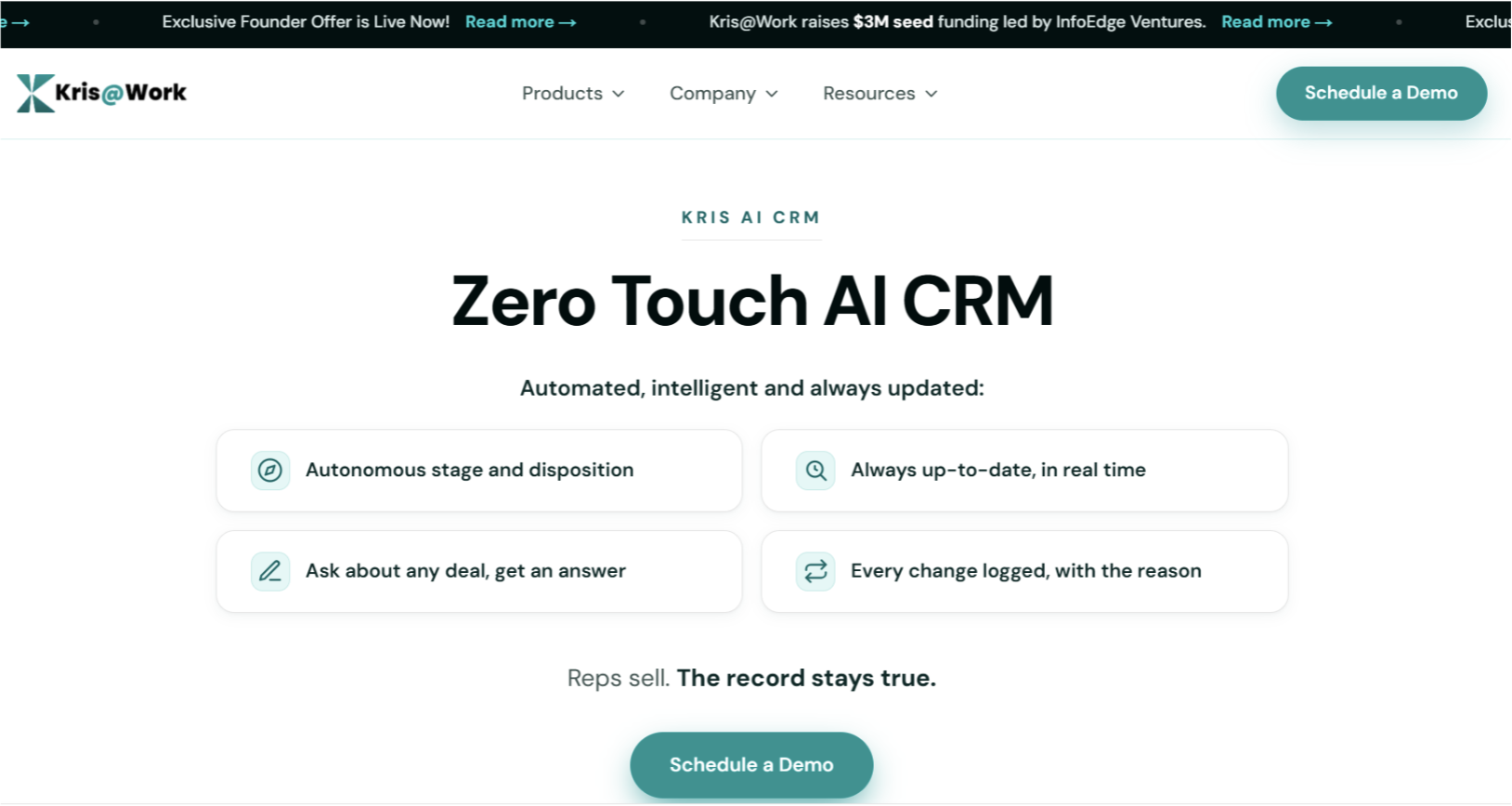
Kris AI CRM is built around one idea that fits small teams well: the record maintains itself. Instead of asking reps to update fields, Kris reads every call, email, and meeting, then moves the deal stage and disposes the activity on its own. For a team with no RevOps hire and no time for data entry, that is the difference between a CRM that stays true and one that quietly goes stale.
Four live capabilities carry the product. The system of record manages stages and dispositions autonomously and logs every change with the reason behind it, so the history holds up when a number gets questioned. Self-enriched data refreshes titles, firmographics, and contacts on its own and detects when someone changes jobs or a company restructures, then cascades that across every affected account. The conversational layer lets you ask about any deal or the whole book in plain language and returns an answer with the reasoning attached, not a dashboard to interpret. Self-assembling reporting compiles pipeline velocity, stage conversion, and forecast against commit from the live record. Underneath all of it, more than 15 tools collapse into one record beneath the wider Kris platform, so nothing is re-keyed at handoff.
Setup fits a small team: it is self-serve, available for free, and most teams are up and running in about 15 minutes. Kris also syncs bi-directionally with an existing Salesforce or HubSpot, so you do not have to rip out what you already run to try it. As a potential outcome, Kris positions the platform as reclaiming up to around two hours per rep per day from manual entry and hygiene, with zero fields to update by hand. Treat those as targets, not guarantees.
Where it wins: least CRM overhead for a team without an admin. If your problem is that nobody keeps the CRM current, Kris solves that problem directly.
Where a competitor is the better call: Kris was founded in 2024, so its integration marketplace and third-party community are smaller than HubSpot's or Salesforce's.The free CRM is scoped to organizations under 200 employees, and the outreach, prospecting, and deal-execution parts of the platform are paid, so a team that wants a free all-in-one marketing and sales suite will weigh HubSpot's breadth.
2. HubSpot: Best Free Starting Point and Deepest Ecosystem
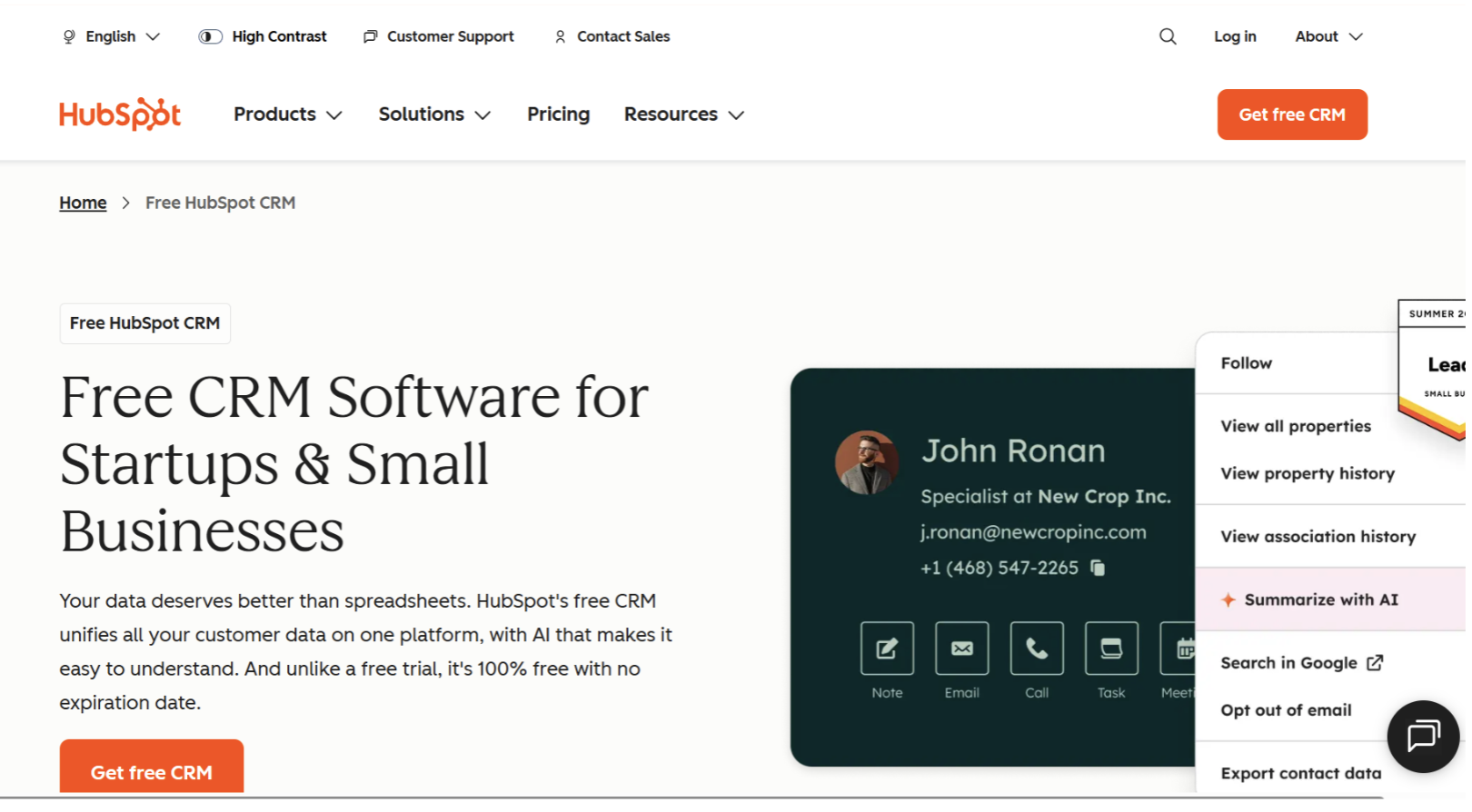
HubSpot remains the default recommendation for most small businesses, and the reason is simple: the free CRM is genuinely usable, and every user gets Breeze Assistant on it. You can manage contacts, deals, email, and basic reporting at no cost, then grow into paid tiers as you need them.
The AI, branded Breeze, spans an in-app assistant, a set of agents (prospecting, customer, data, research), and Breeze Intelligence for enrichment. Reviewers consistently call it the most mature CRM-embedded AI suite available to small and mid-market teams in 2026. The honest catch is the cost model. The AI that actually moves the needle, the agents and predictive scoring, requires the Professional tier plus usage credits, and HubSpot's pricing climbs steeply once you pass Starter. The free tier is also now capped at roughly 1,000 contacts and two users.
Choose HubSpot if: you want the safest all-in-one bet with the largest integration library (1,500-plus apps), a real free tier to start on, and a clear path to marketing automation as you scale.
Look elsewhere if: you want deep AI without eventually committing to a Professional plan.
3. Zoho CRM (Zia): Best Paid Pick For Predictive Scoring and Multiple Pipelines
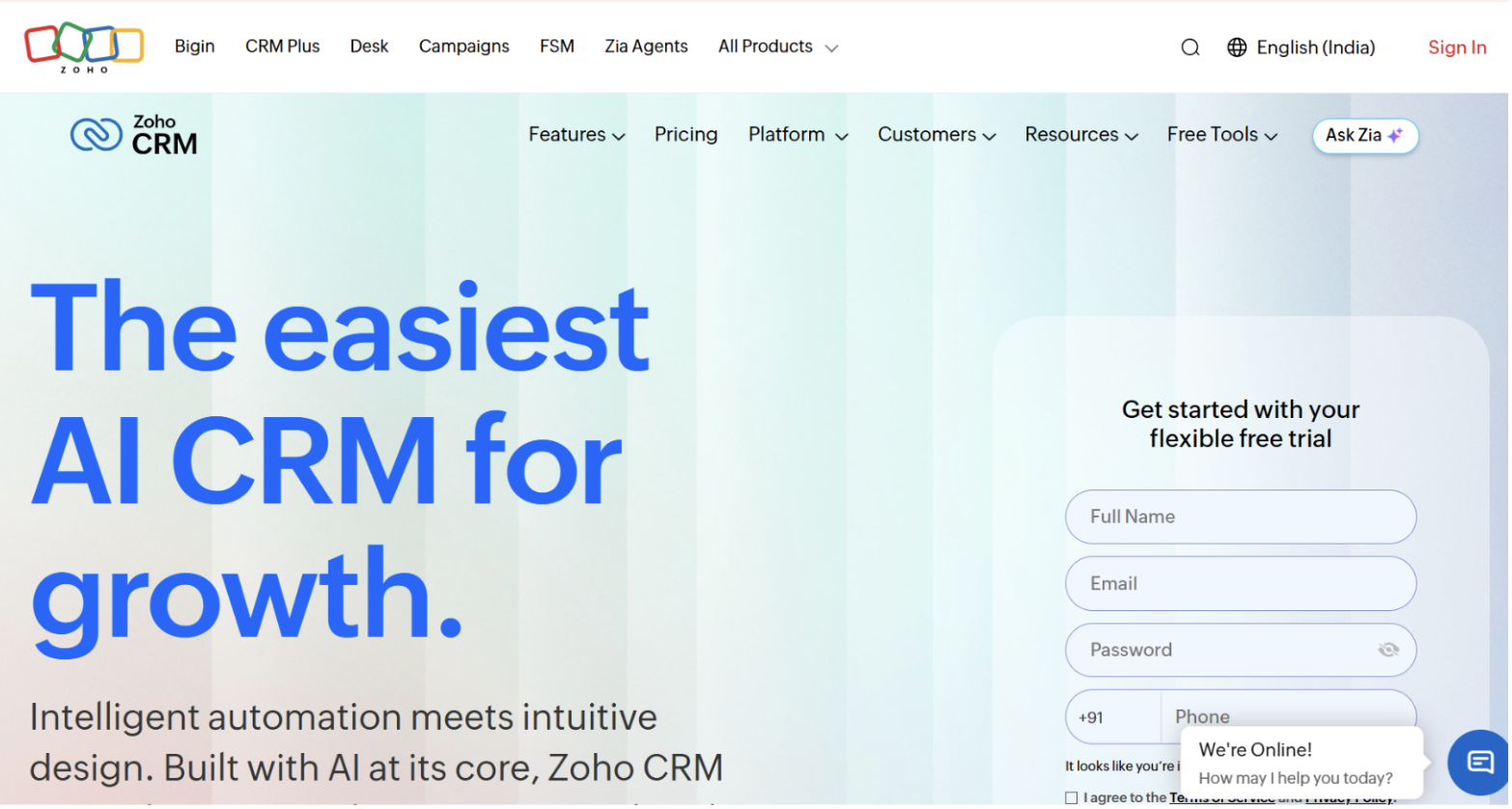
Zoho is the value play. Its AI assistant, Zia, covers predictive lead and deal scoring, anomaly detection that flags when a metric drifts from your historical average, best-time-to-contact suggestions, sentiment analysis, and auto-enrichment. In 2026 Zia also gained agentic behavior that can run multi-step actions and a natural-language formula generator. Because Zia is bundled with the license rather than sold as a separate add-on, it is often the cheapest way for an SMB to get genuine predictive AI.
Two honest caveats. Full Zia lives on the Enterprise and Ultimate plans, not the entry tiers, so the cheapest Zoho plan is not the AI plan. And Zia has gaps: it does not draft personalized follow-ups in your voice and does not summarize call transcripts the way some sales-native tools do.
Choose Zoho if: you want predictive AI, multiple pipelines, and a full CRM at the lowest realistic cost, especially if you already use other Zoho apps.
Look elsewhere if: you want generative outreach and call intelligence out of the box.
4. Attio: Best for Startups That Want a Flexible, Modern Data Model
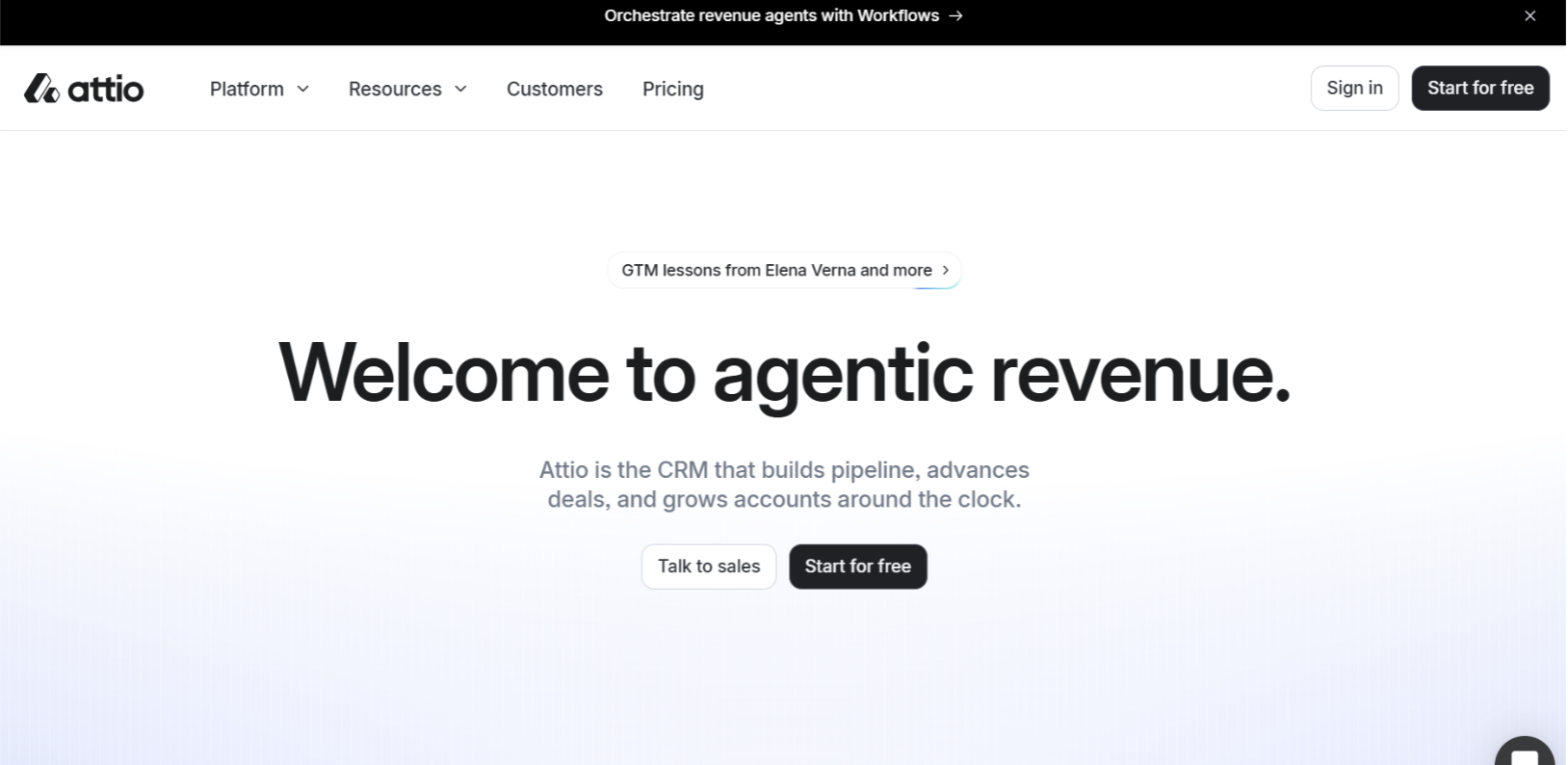
Attio is the CRM startups keep choosing when a rigid contacts-and-accounts schema does not fit how they work. It pairs a Notion-style interface with custom objects, automatic enrichment, and AI built into the data layer. Basic setup can be done in under a day, and adoption tends to be high because reps do not hate using it. Its Ask Attio layer lets you search, create, and interact with CRM data in natural language, and it supports connecting external AI tools.
The trade-offs are real and worth stating. Integration depth and automation are the common complaints, and Attio lacks the mature predictive lead scoring and advanced forecasting that a scoring-heavy sales team may want. It is built for flexibility, not for complex, high-volume pipeline machinery.
Choose Attio if: you are a product-led or sales-led startup that wants to model your business your own way with a fast, modern interface and no dedicated admin.
Look elsewhere if: you need deep predictive scoring or a large native integration ecosystem today.
5. Pipedrive: Best For a Simple, Sales-first Pipeline
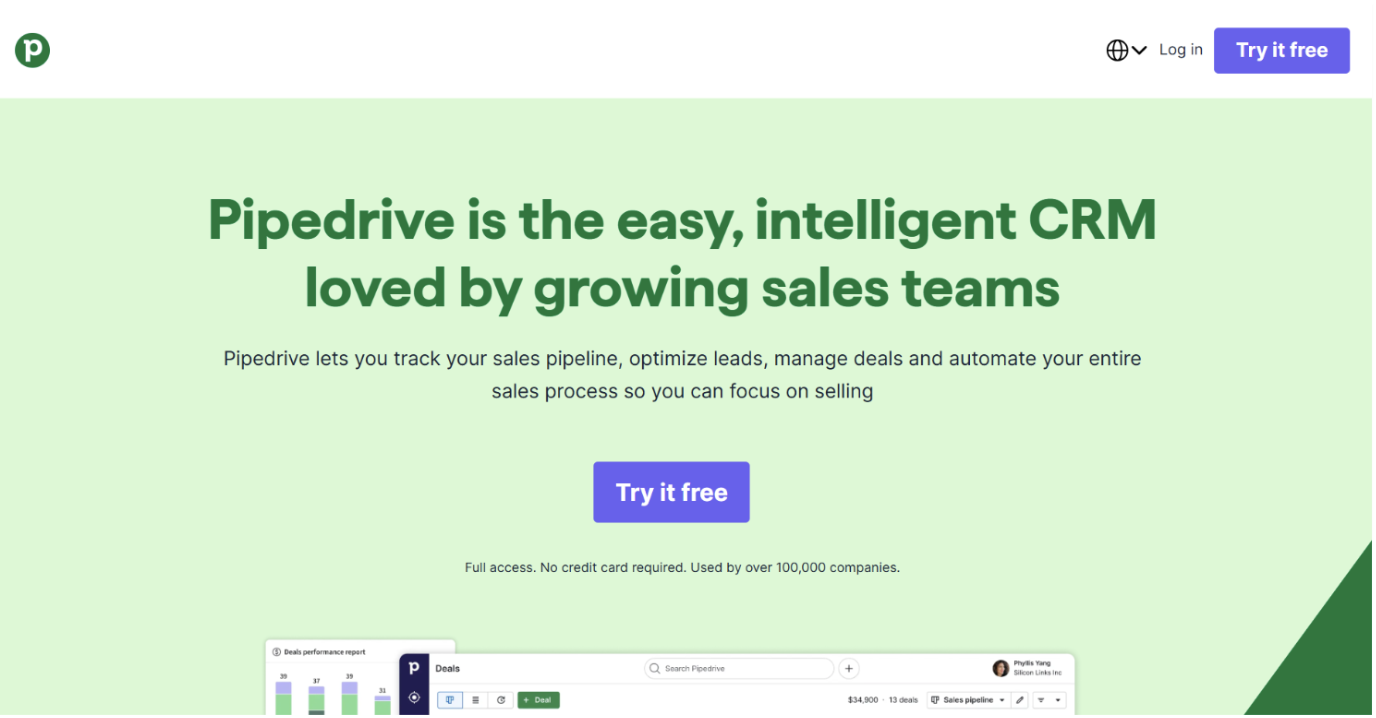
Pipedrive does one thing very well: it keeps a visual deal pipeline moving without CRM bloat. Its AI Sales Assistant flags high-probability deals, suggests next actions, and highlights deals at risk, and its AI can draft and summarize emails. G2 users rate its ease of use among the highest in the category, which matters because a CRM only helps if the team actually uses it.
Two honest notes. Pipedrive is a sales-execution tool, not an all-in-one platform, so marketing automation is thin and you will likely pay for add-ons like LeadBooster and Campaigns on top of the base seat. There is also no free plan, only a trial. Reviewers are candid that the AI augments the tool rather than transforming it.
Choose Pipedrive if: your team runs a clear, repeatable sales process and wants the cleanest pipeline experience with useful, unfussy AI.
Look elsewhere if: you need marketing tools or a free tier.
6. Freshsales (Freddy): Best For Built-in Calling Plus AI At a Low Entry Price
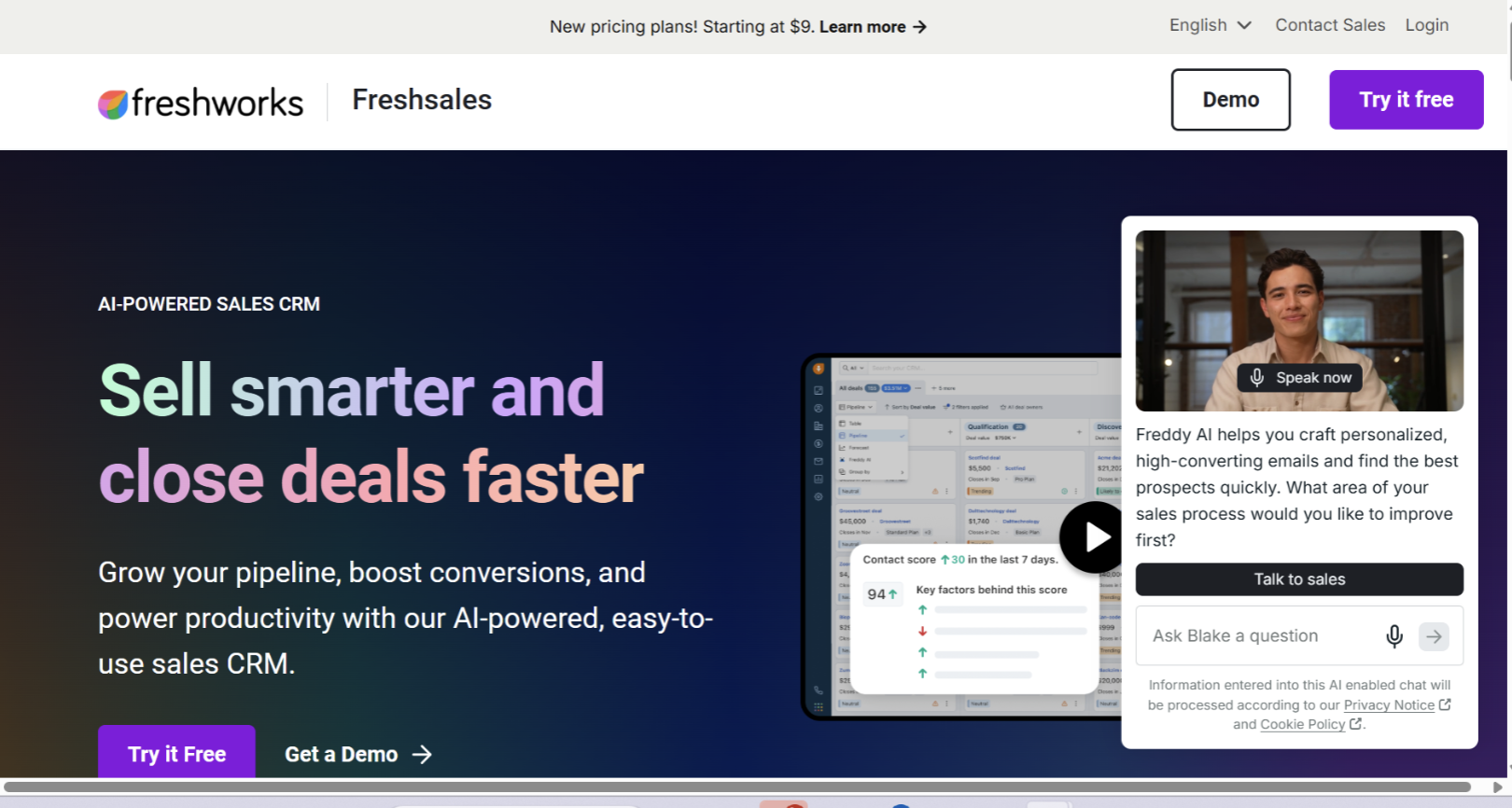
Freshsales packs calling, email, and AI into one workspace, which is unusual at its price. Freddy AI handles lead scoring, deal insights, next-step suggestions, deal-stall flags, generative email drafting, and call transcription. The built-in cloud phone is a genuine differentiator: reps call from inside the CRM with automatic logging, so adoption tends to be strong.
The catch is the tier ladder. The free plan is functional for a small group, and the entry Growth tier adds AI lead scoring at a low per-seat cost, but several features many teams expect, like multiple pipelines and the fuller Freddy suite, sit on the Pro tier, which is a meaningful jump. The integration library is also narrower than HubSpot's.
Choose Freshsales if: you want built-in calling and AI lead scoring without a Salesforce-level price or setup, ideal for a 3-to-25 person sales team.
Look elsewhere if: you need a broad app ecosystem or deep custom reporting on the cheap.
7. monday CRM: Best if Your Team Already Runs on monday.com
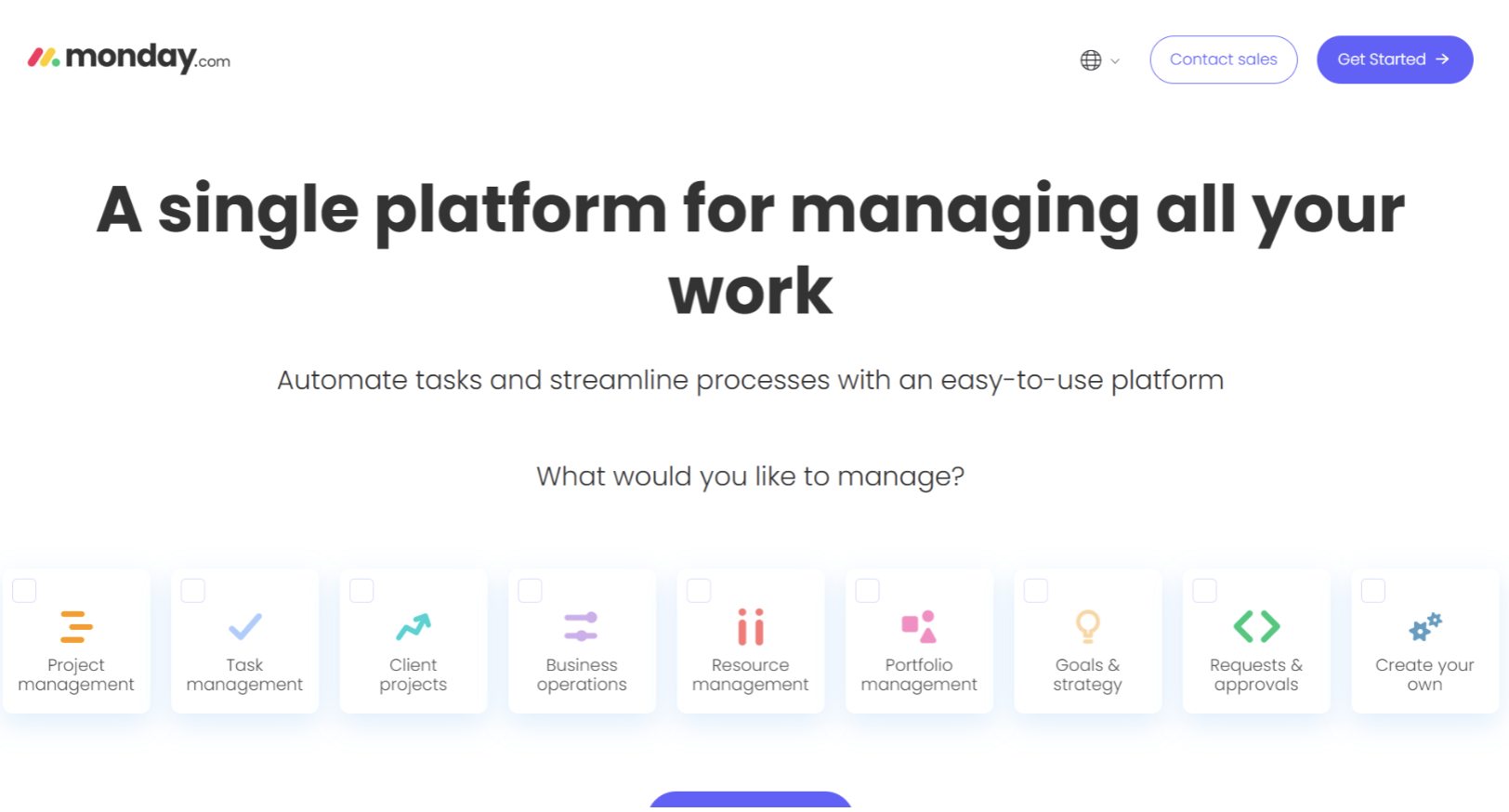
If your team already uses monday.com for project management, monday CRM is the path of least resistance. It brings the same visual boards, drag-and-drop pipeline, and no-code automations to sales, and adds AI blocks you can drop into a board for tasks like sentiment analysis, plus deal insights, automated activity logging, and an AI email generator.
The honest limits: the integration library is smaller than the legacy leaders, and the AI is still maturing relative to Salesforce or HubSpot. Lead scoring and the deeper AI sit on higher tiers.
Choose monday CRM if: you want visual, highly customizable pipeline management and you are already inside the monday ecosystem.
Look elsewhere if: you need mature predictive AI or a wide native integration set.
8. Salesforce Starter Suite: Best For Startups That Expect to Scale into Enterprise
Salesforce is the most powerful CRM on the market and, for a small team, usually more than you need on day one. The Starter Suite gives startups a simplified on-ramp with built-in AI to summarize histories and draft emails, and Salesforce's Einstein and Agentforce represent the most mature enterprise AI stack available. The pitch for a startup is the upgrade path: start small, and the ceiling is effectively unlimited.
The honest trade-off is cost and complexity. The AI that Salesforce is famous for reaches full capability only on expensive upper tiers, and implementation carries a learning curve that a two-person team will feel. For most small businesses that do not expect rapid scale, it is overkill.
Choose Salesforce Starter if: you are confident you will grow into enterprise needs and want to build on the platform you will end up on anyway.
Look elsewhere if: you want the fastest, cheapest path to value right now.
9. Close: Best For High-volume Inside Sales and calling
Close is the specialist. It is built for inside-sales teams that live on the phone, with calling, SMS, and email sequences native to the product, plus AI call summaries and coaching suggestions. For a small sales team whose motion is high-volume outreach, having everything in one tool removes a lot of stitching.
By design, Close is narrower than a general CRM. If your motion is not calling-heavy, most of what makes Close special goes unused, and you are better served by a broader tool above.
Choose Close if: your small team runs a high-volume calling motion and wants calling, messaging, and AI summaries in one place.
Look elsewhere if: you need a general-purpose or marketing-oriented CRM.
AI-native CRM vs. AI added to a CRM
Most tools on this list added AI to a CRM that already existed. The AI writes an email, scores a lead, or summarizes a thread, and it helps, but the rep still owns keeping the record current. A smaller group, including Kris and Attio, was built so the AI maintains the record itself. For a lean team, that distinction matters more than any single feature, because the failure mode of a small-business CRM is almost never a missing feature. It is a record nobody had time to update.
FAQs About AI Crm for Small Business
1. What is the best AI CRM for small business in 2026?
There is no single winner for every team. For lean teams that want the record to maintain itself with no admin, Kris@Work is our pick. For the best free starting point and the deepest ecosystem, HubSpot leads. For real predictive AI on the tightest budget, Zoho CRM with Zia is the value choice.
2. What is the cheapest AI CRM for a startup?
On raw cost, Kris AI CRM is free for organizations under 200 employees, HubSpot's free CRM, Zoho's free tier for up to three users, and Freshsales' free plan are the cheapest entry points, and all three include some AI. Note that on Zoho and Freshsales the deeper AI features sit on higher paid tiers, so the cheapest plan is rarely the full-AI plan.
3. Do small businesses actually need an AI CRM?
The value is less about advanced AI and more about upkeep. The most common reason small teams lose deals is poor follow-up, and leads slip when they live in spreadsheets or inboxes. An AI CRM that scores, enriches, or maintains the record on its own directly attacks that failure mode, which is why it earns its place even for a two-to-five person team.
4. What is an AI-native CRM versus an AI-added CRM?
An AI-added CRM bolts AI features onto a traditional record that a person still maintains. An AI-native CRM is built so the system updates, enriches, and explains itself, with the human freed from data entry. Kris and Attio sit closer to the AI-native end, and most legacy tools sit at the AI-added end.
5. How much does an AI CRM cost for a small team?
It ranges from free to well over 100 dollars per user per month, depending on the tier that unlocks the AI you want. Free and low-cost tiers exist across HubSpot, Zoho, Freshsales, and Attio, while the strongest AI on legacy platforms usually requires a higher tier. Always confirm current pricing on the vendor's site, since plans change frequently.
6. Can Kris work alongside an existing Salesforce or HubSpot?
Yes. Kris AI CRM syncs bi-directionally with an existing Salesforce or HubSpot, so a change in deal status inside Kris updates the value in your current CRM. That lets a small team test Kris without ripping out what they already run.
Related Blog Posts
MEDDPICC: The Complete Sales Qualification Guide (2026)
24 October 2026